OPDSy
Your files and your servers, one library.
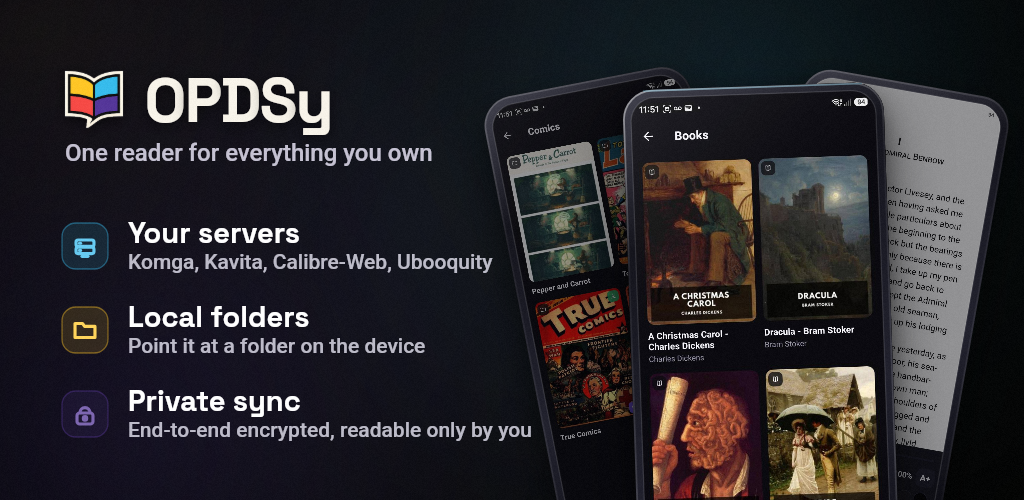
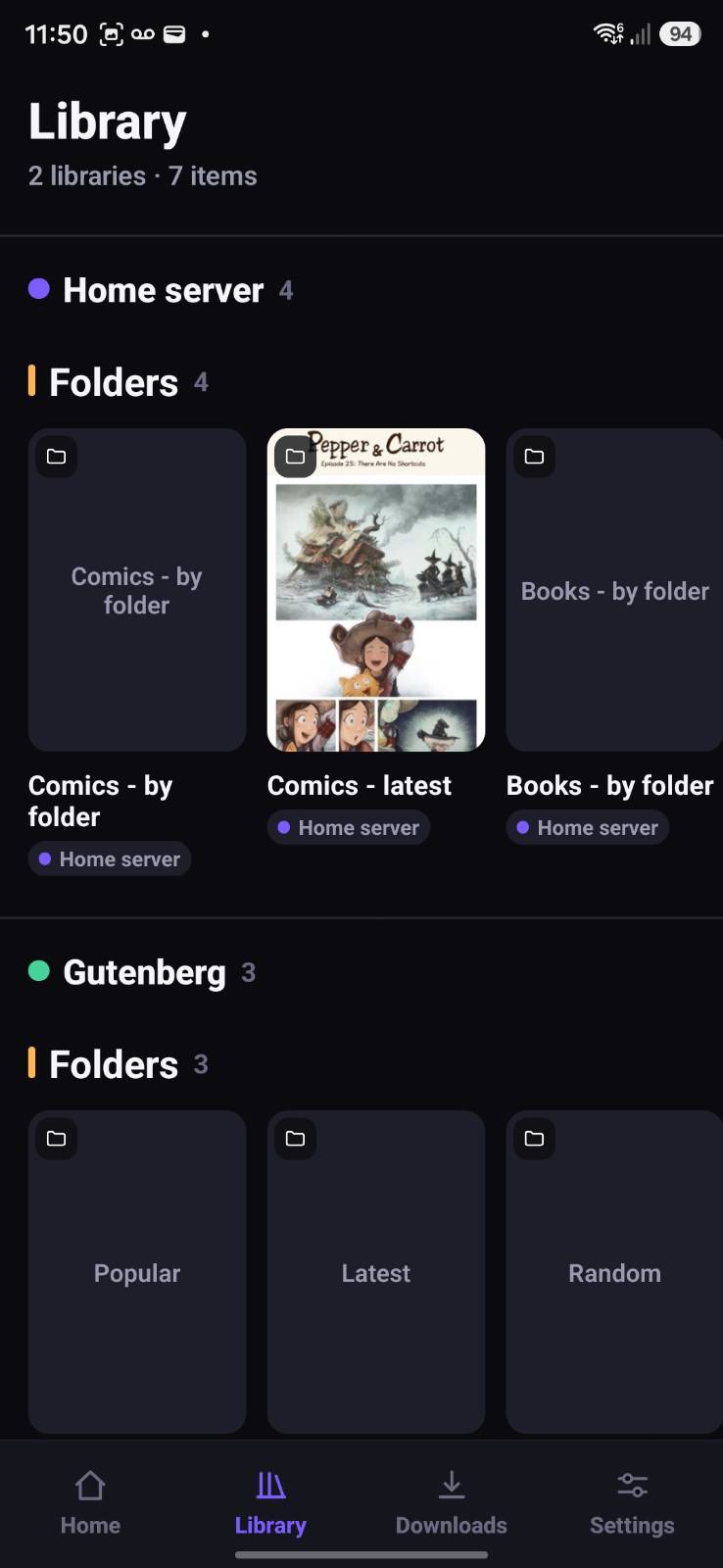
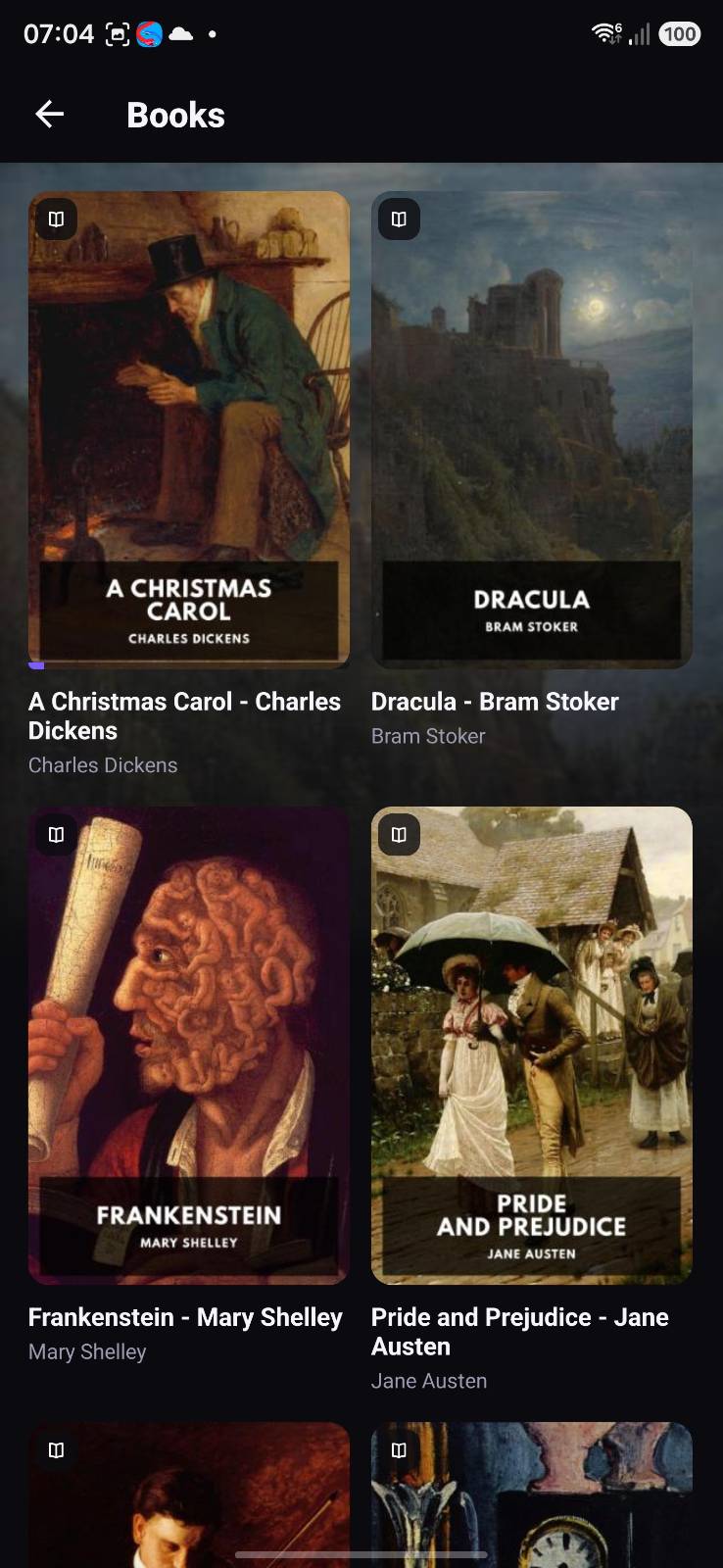
Most readers make you choose: local files or a self-hosted server. OPDSy merges both into a single unified library — the folders on your device sitting alongside Komga, Kavita, Ubooquity, Calibre-Web, BookOrbit, Grimmory and any OPDS 1.2 or 2.0 source, each tagged with its own colour.
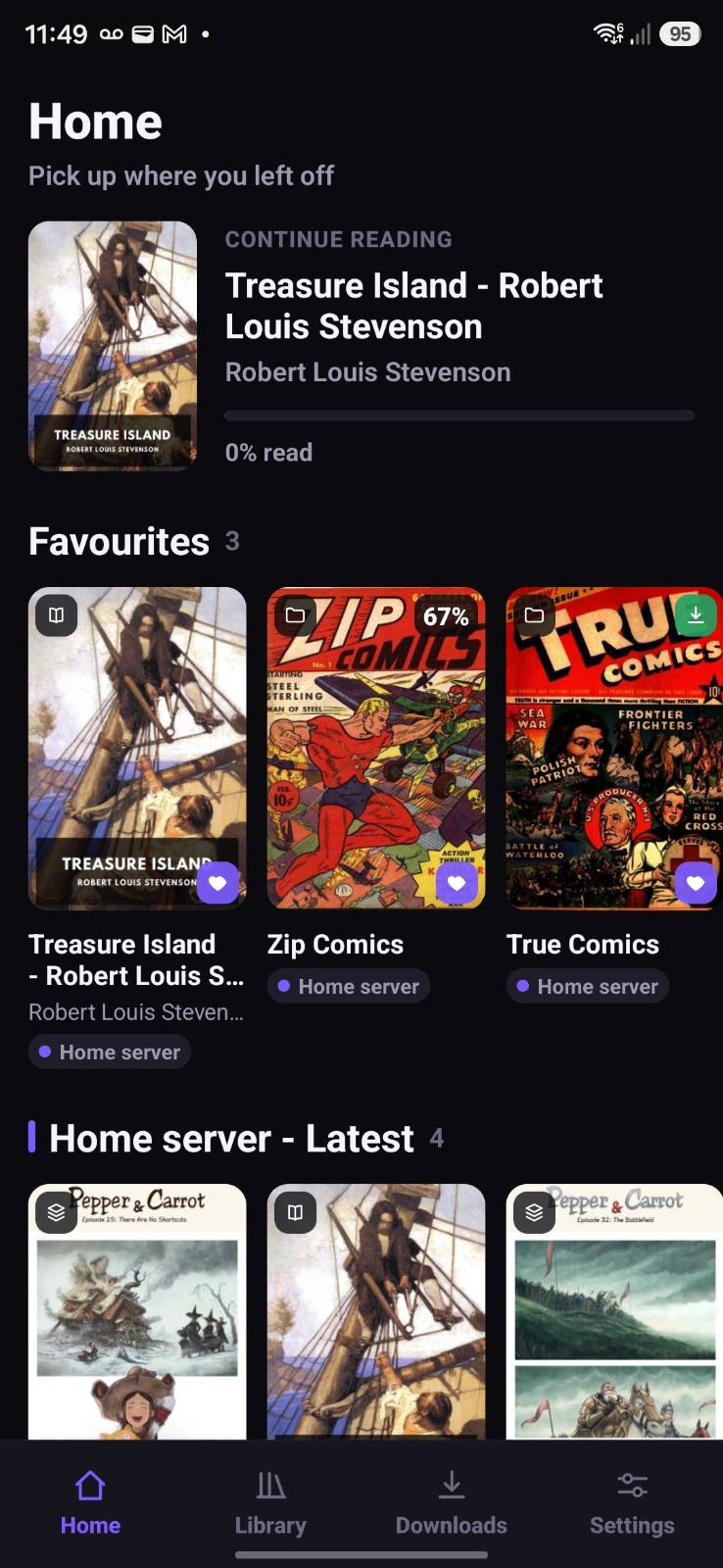
That means you can start with nothing but a folder of files — add it as a local library, or open a book straight from your file manager or share sheet — and add servers later, or never. Continue Reading, favourites and search work across everything at once, whichever source a book came from.
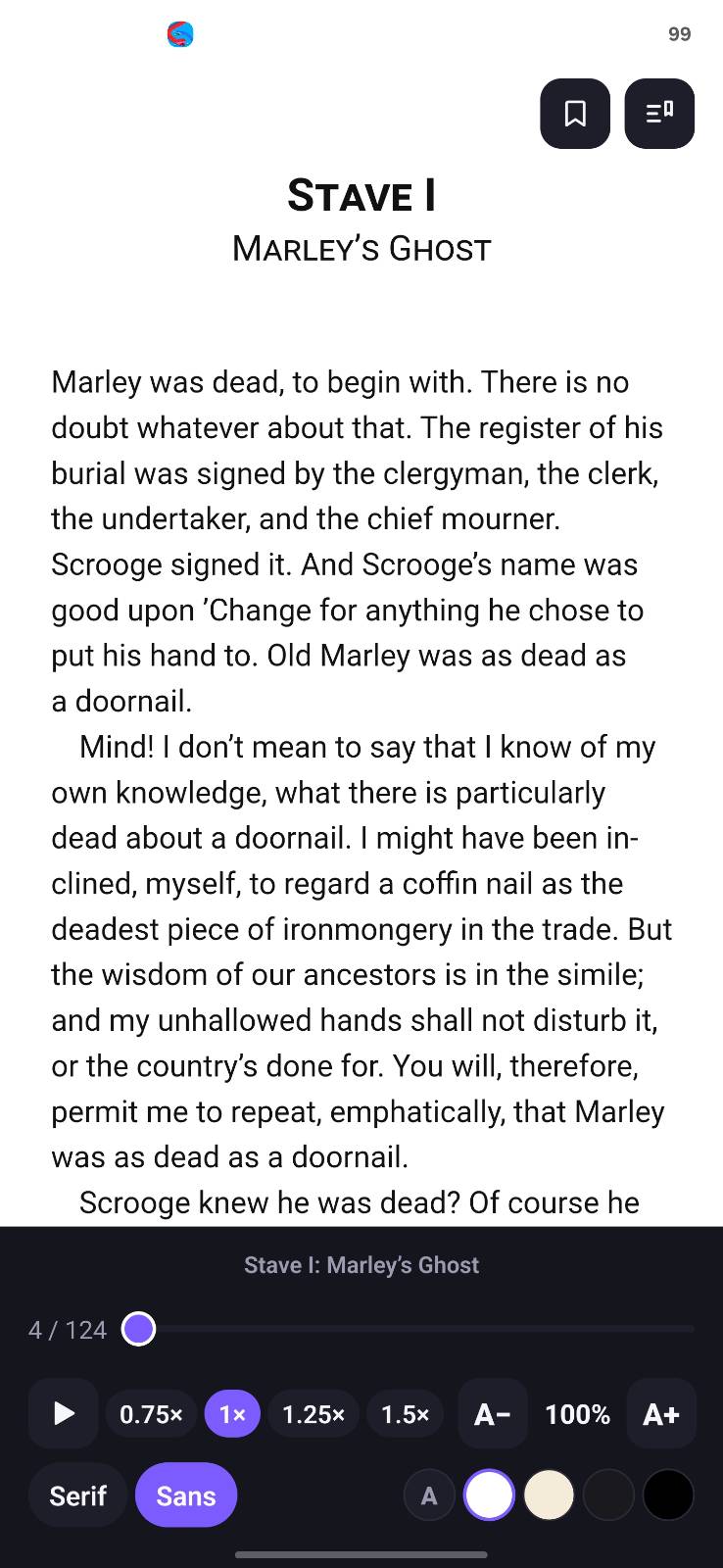
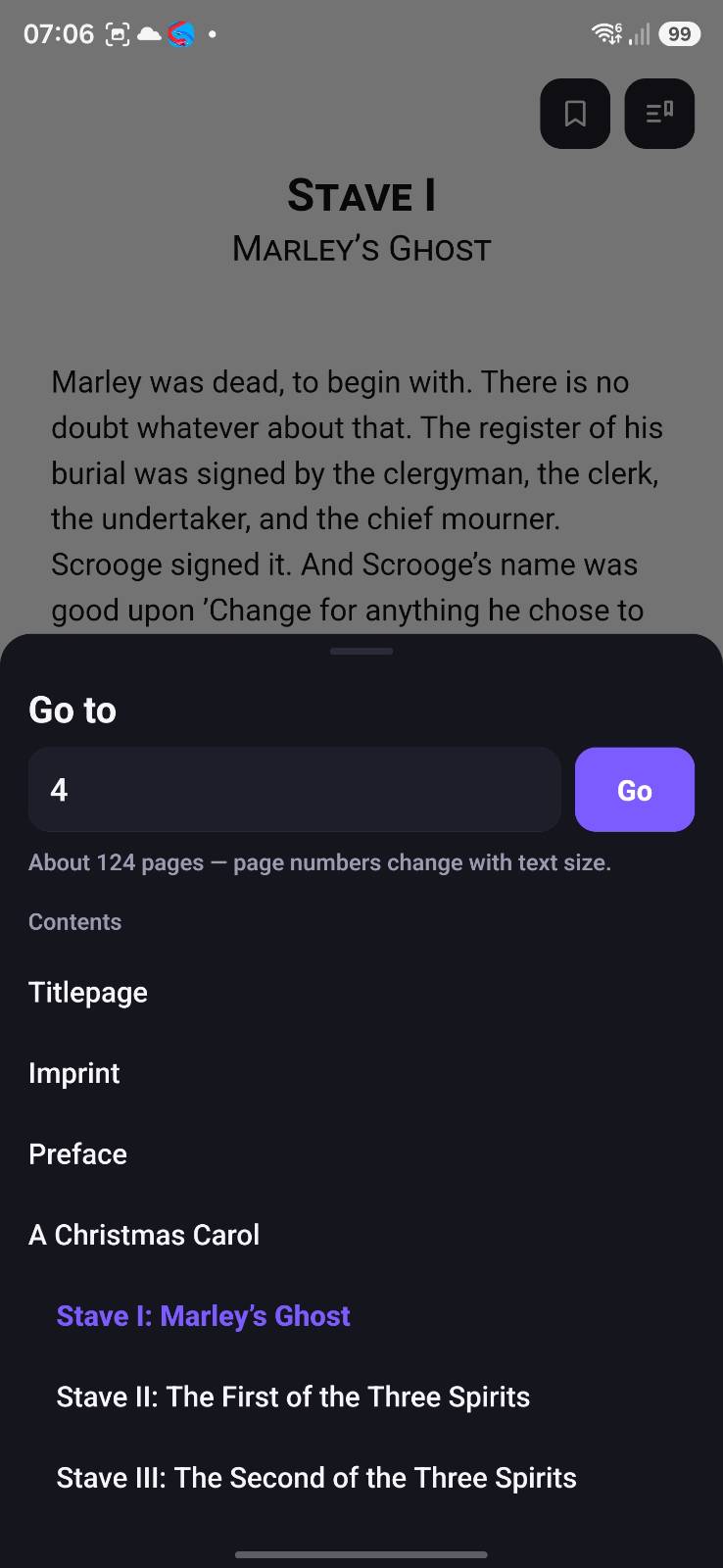
Read EPUB, MOBI, AZW3, FB2 and PDF books, CBZ/CBR comics and manga, and Markdown with Mermaid.js diagrams; jump straight to any page or chapter; look a word up in an offline dictionary; highlight passages and bookmark pages; listen to any book with built-in text-to-speech; and download titles for fully offline reading — with no account, no ads and no tracking of any kind.
One-time purchase · No ads · No subscription
Highlights
One library, local and self-hosted
Most readers make you choose. OPDSy merges on-device folders with Komga, Kavita, Ubooquity, Calibre-Web, BookOrbit, Grimmory and any OPDS 1.2 / 2.0 source into a single unified home.
Private by design, zero tracking
No account, no ads, no analytics and no tracking of any kind. Your reading is nobody’s business but yours.
One purchase, nothing held back
Buy it once. No ads, no subscription, no in-app purchases and no pro tier — every feature, sync included, is there from the first launch.
Comics, books and audio
Read comics and manga, ebooks in EPUB, MOBI, AZW3 and FB2, PDFs and Markdown — or have any book read aloud with text-to-speech.
An offline dictionary
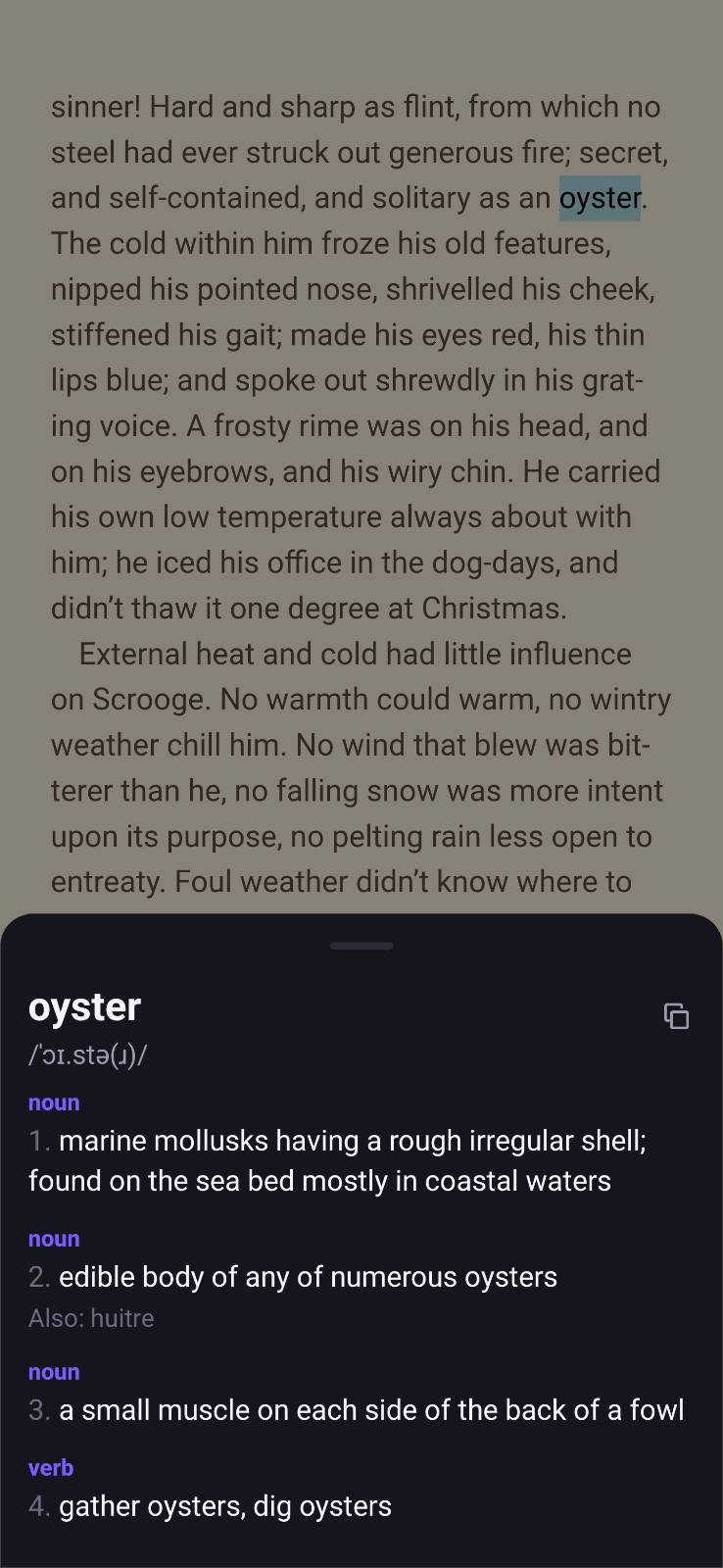
Tap Define on any word for its meaning, examples and synonyms without leaving the page. Dictionaries are downloaded on demand, and every lookup happens on your device.
The successor to Kuboo
A resilient, multi-source reader rebuilt from the ground up for speed, reliability and privacy — and actively maintained.
Features
Your own files, no server needed
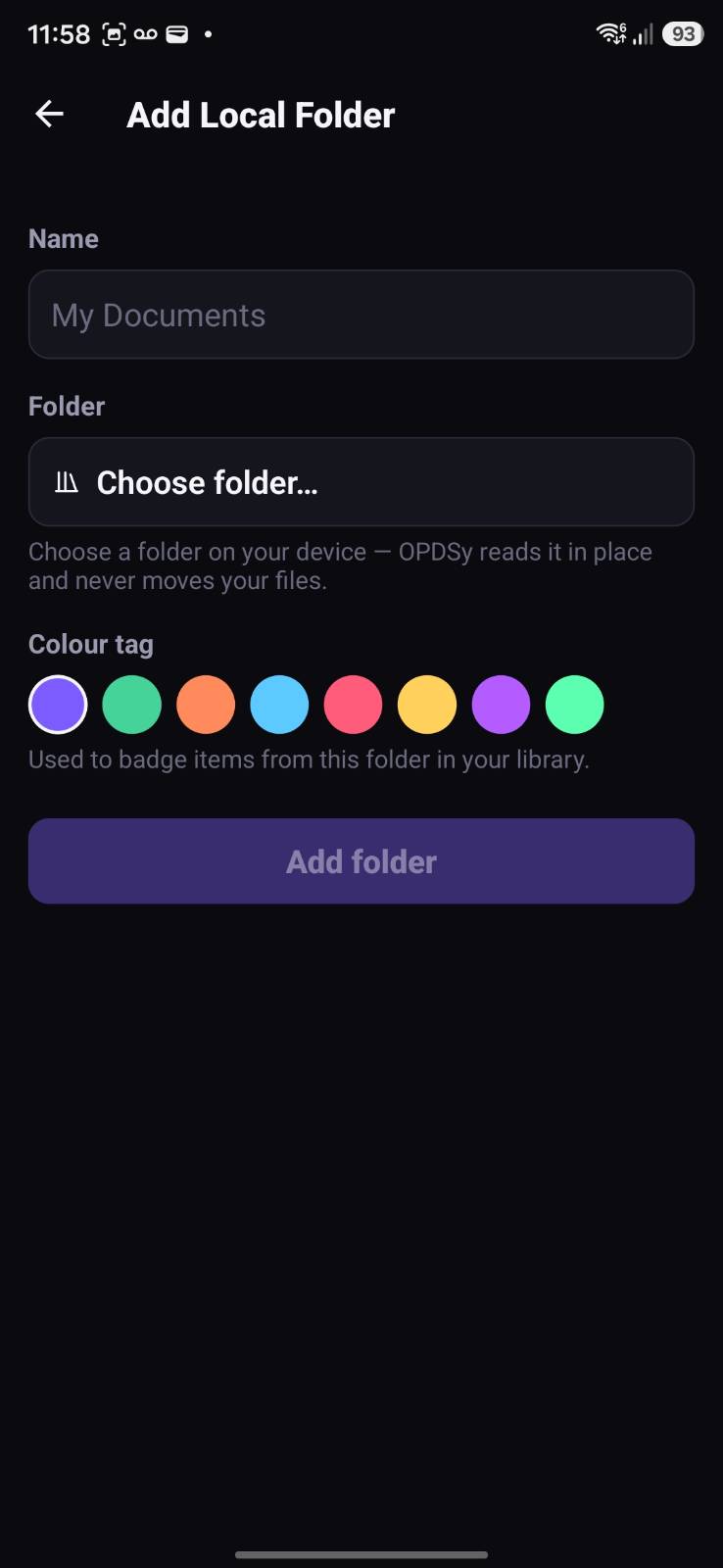
Add any on-device folder as a local library — each with its own name and colour — and browse it alongside everything else. Or send a file to OPDSy from your file manager or any share sheet to open it straight in the reader.
One library, many sources
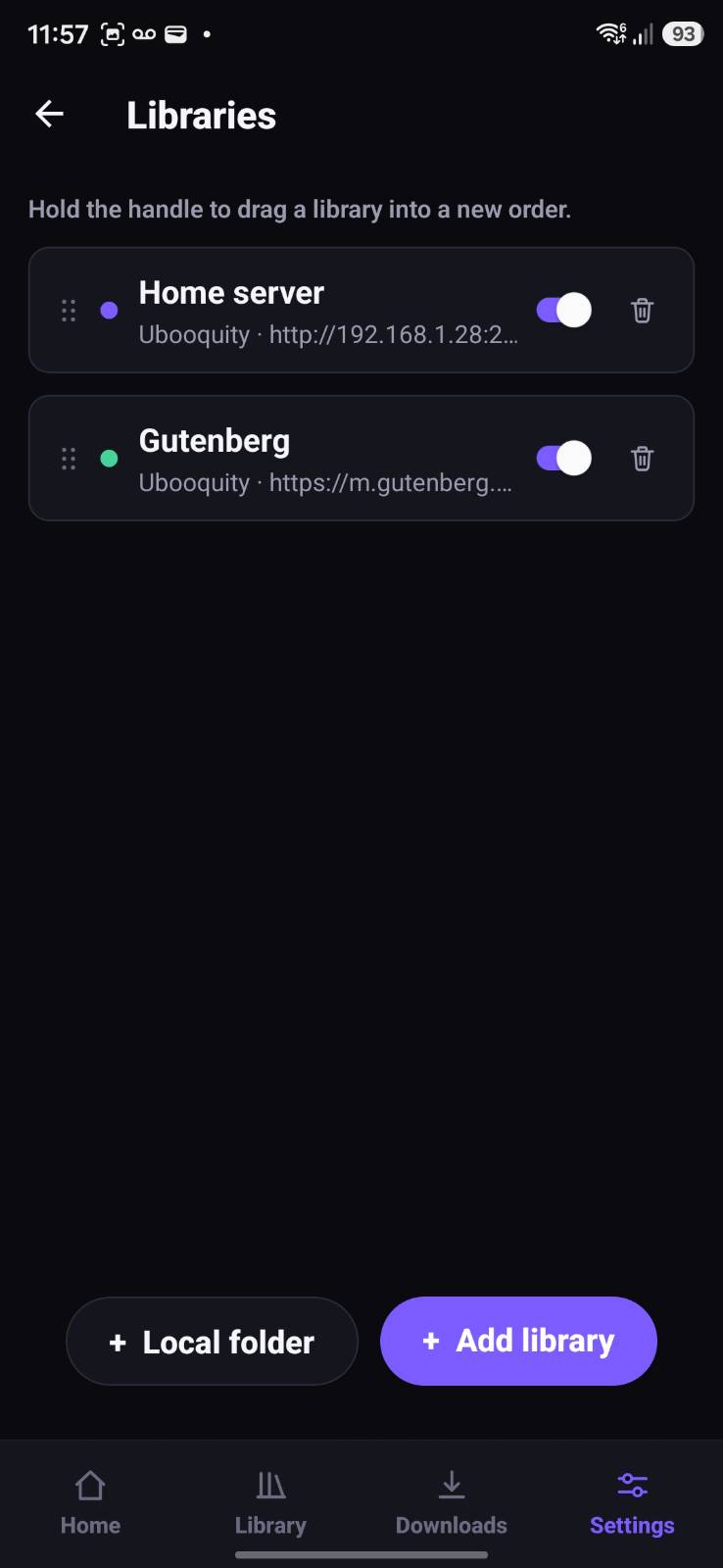
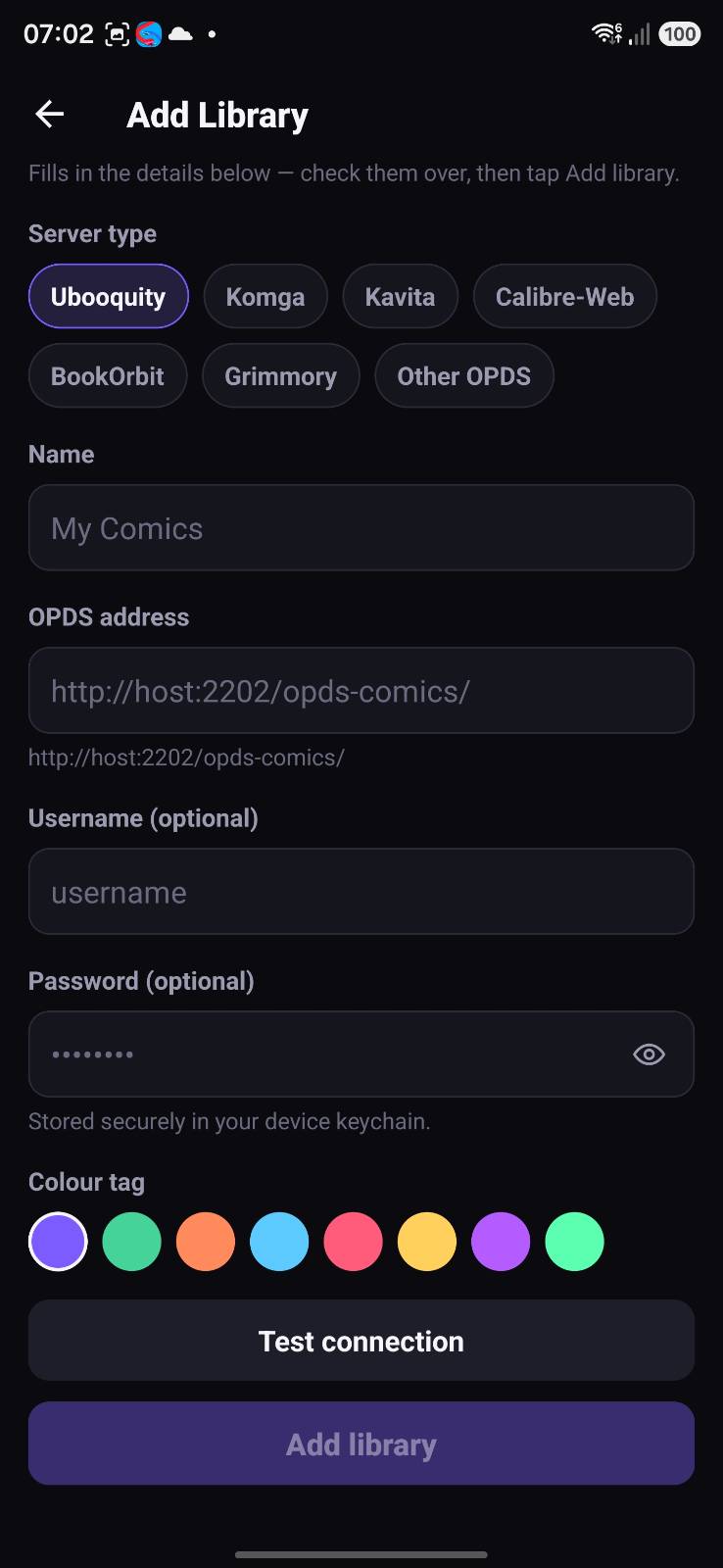
Mix local folders with as many OPDS servers as you like — Komga, Kavita, Ubooquity, Calibre-Web, BookOrbit, Grimmory or any OPDS 1.2 / 2.0 source — merged into a single home, each tagged with a per-source colour badge.
Books and comics, any format
Reads EPUB, MOBI, AZW3, FB2 and PDF ebooks, CBZ / CBR comics and manga, and Markdown documents (with Mermaid.js diagrams) — from your device or your servers.
A comic & manga reader
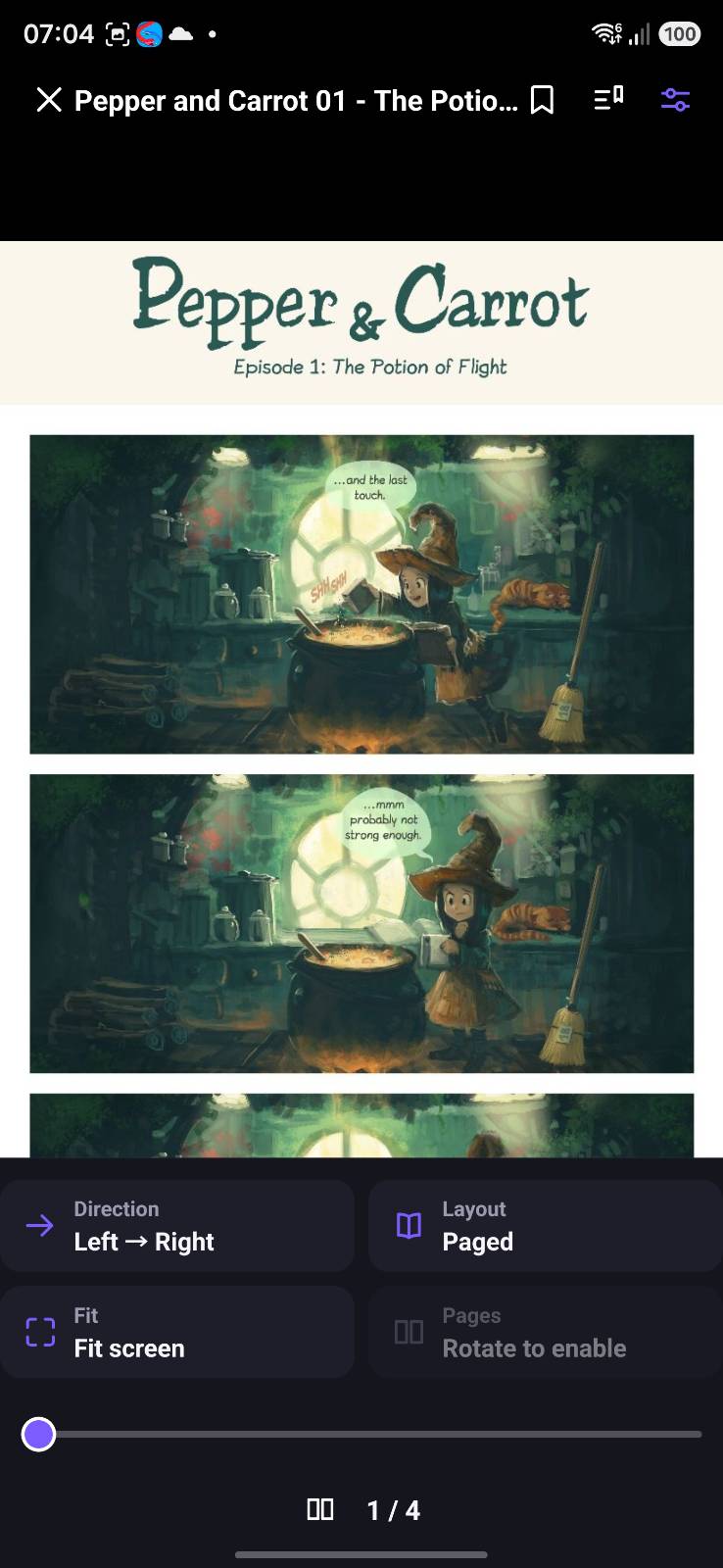
Paged or continuous vertical-scroll (webtoon) reading, left-to-right or right-to-left direction, fit-to-screen or fit-to-width, landscape dual-page spreads, and double-tap or pinch to zoom.
Page streaming
Comics on a server stream page-by-page over OPDS-PSE with smart prefetching, so the next page is ready before you swipe — no full archive download needed to start reading.
Built-in PDF & Markdown readers
Read PDFs in-app with paged or vertical scrolling, fit-to-screen or fit-to-width, single- or two-page layouts, and pinch or double-tap zoom. Markdown renders cleanly, including Mermaid.js diagrams.
Jump straight to a page
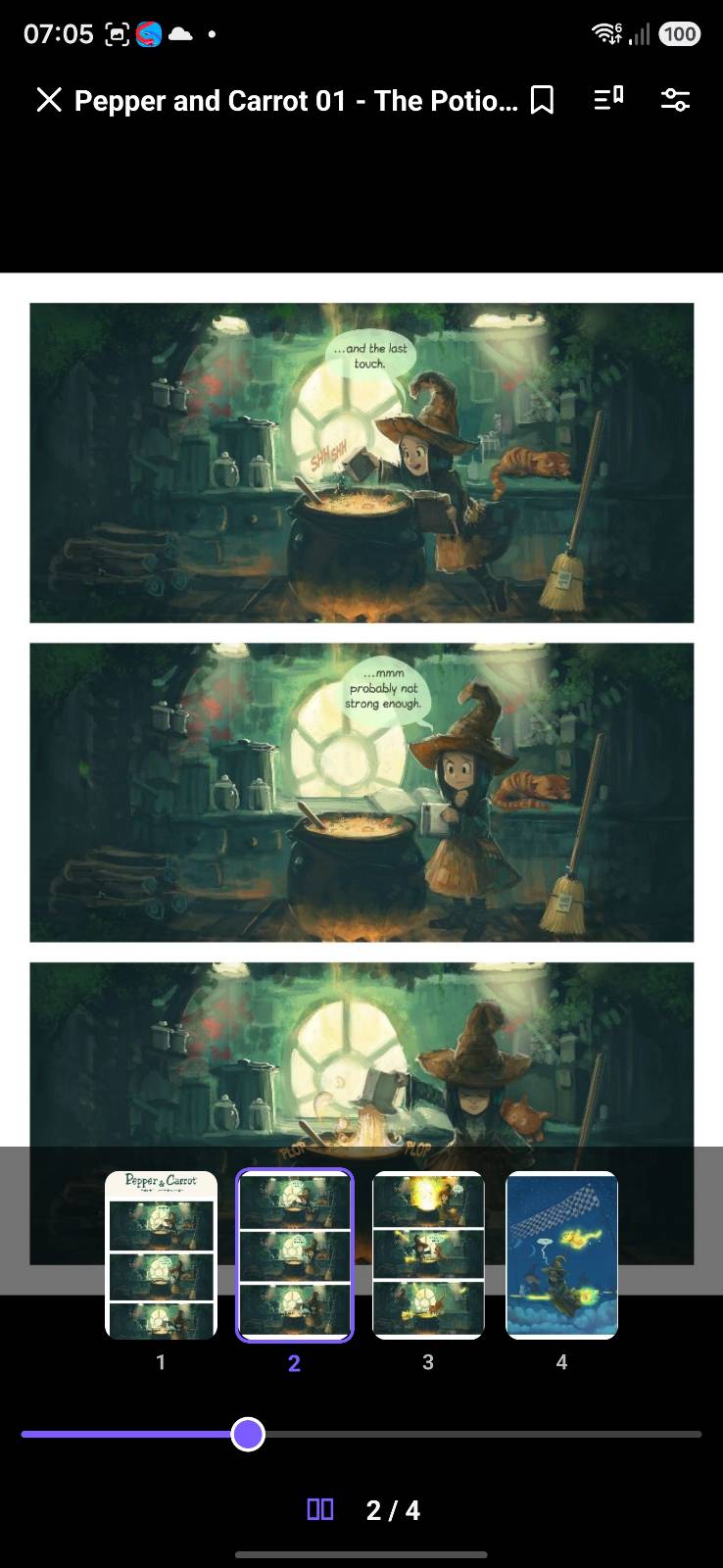
Drag the slider in the controls bar, or tap the page counter to type an exact page. Comics and PDFs also get a filmstrip of page thumbnails to flick through — whether the comic is streaming from a server or sitting on your device. Books list every chapter alongside the page box, and use the printed edition’s own page numbers where the file provides them, saying so plainly when they are only estimates. After a long jump, one tap takes you back.
Look up a word, offline
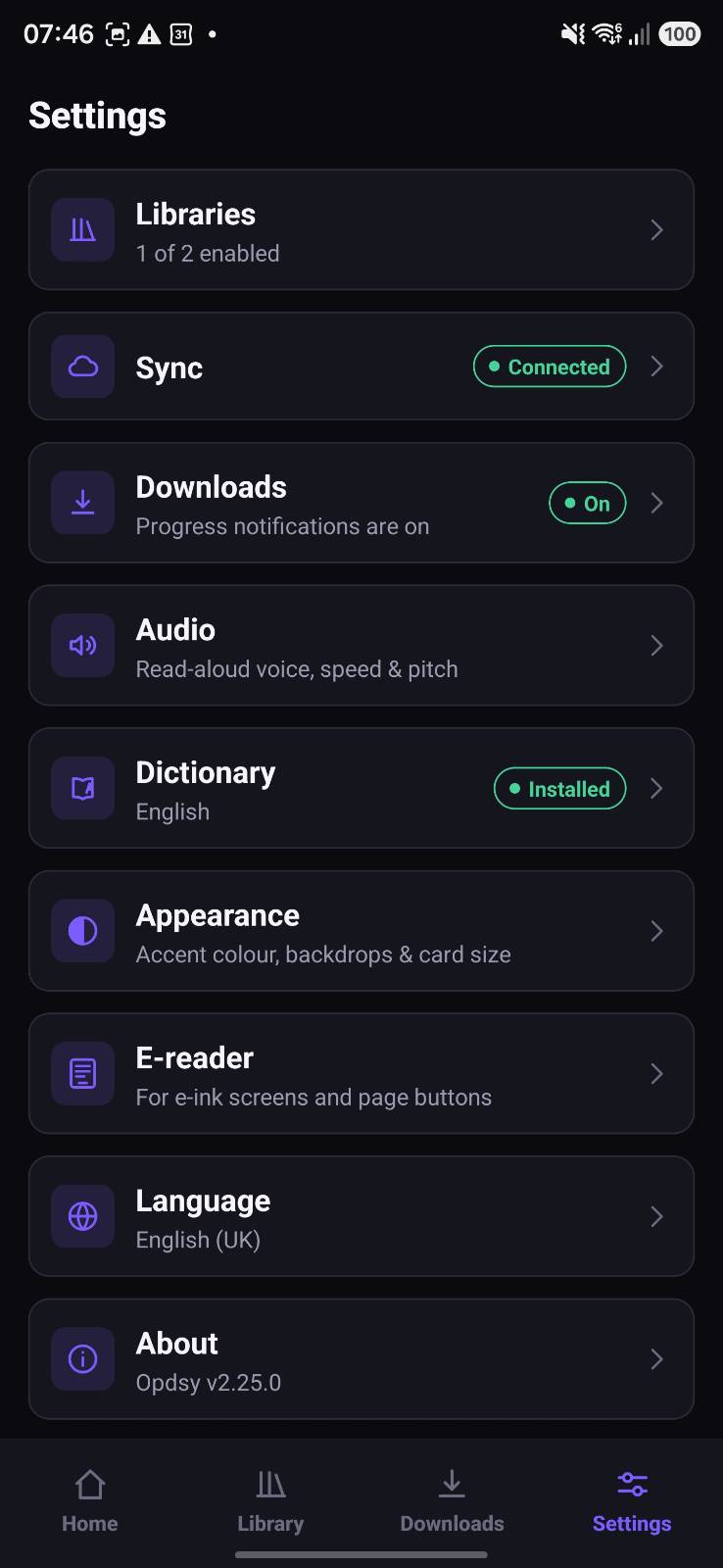
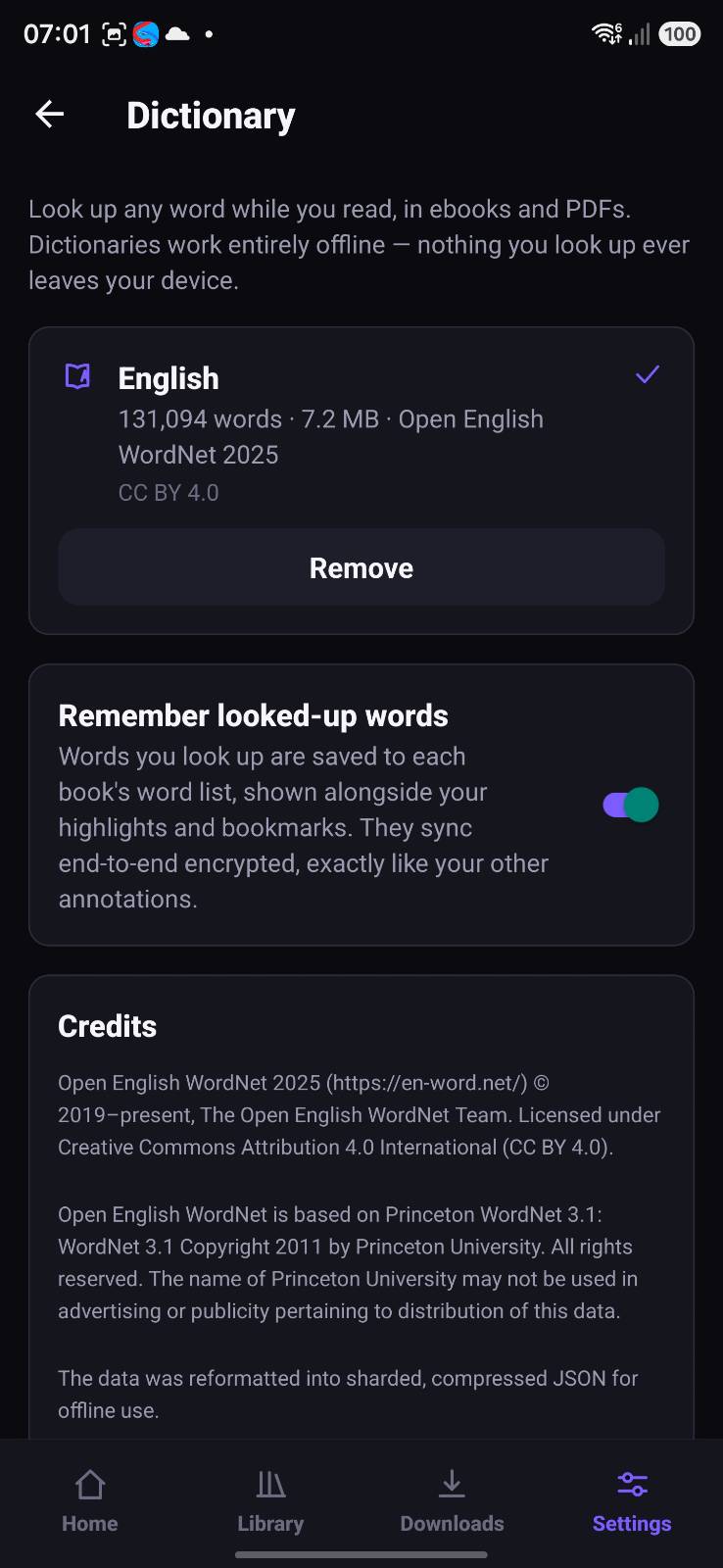
Select a word in an ebook, or long-press one in a PDF, and tap Define for its senses, part of speech, examples and synonyms — without losing your place. Inflected forms are understood, so “running” finds “run”. Dictionaries are downloaded from Settings rather than bundled, each verified against a fingerprint built into the app, and words you look up collect in a per-book list you can switch off.
Listen with text-to-speech
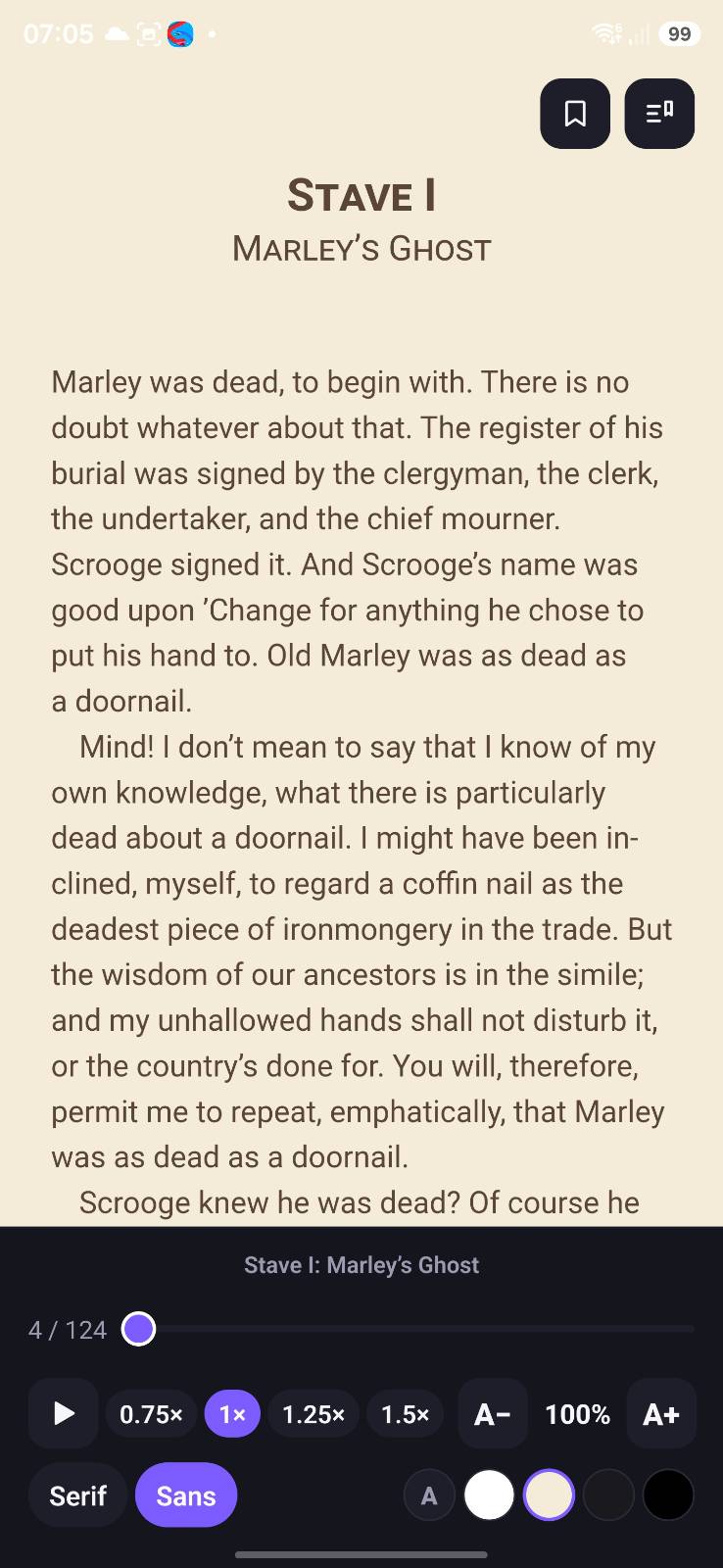
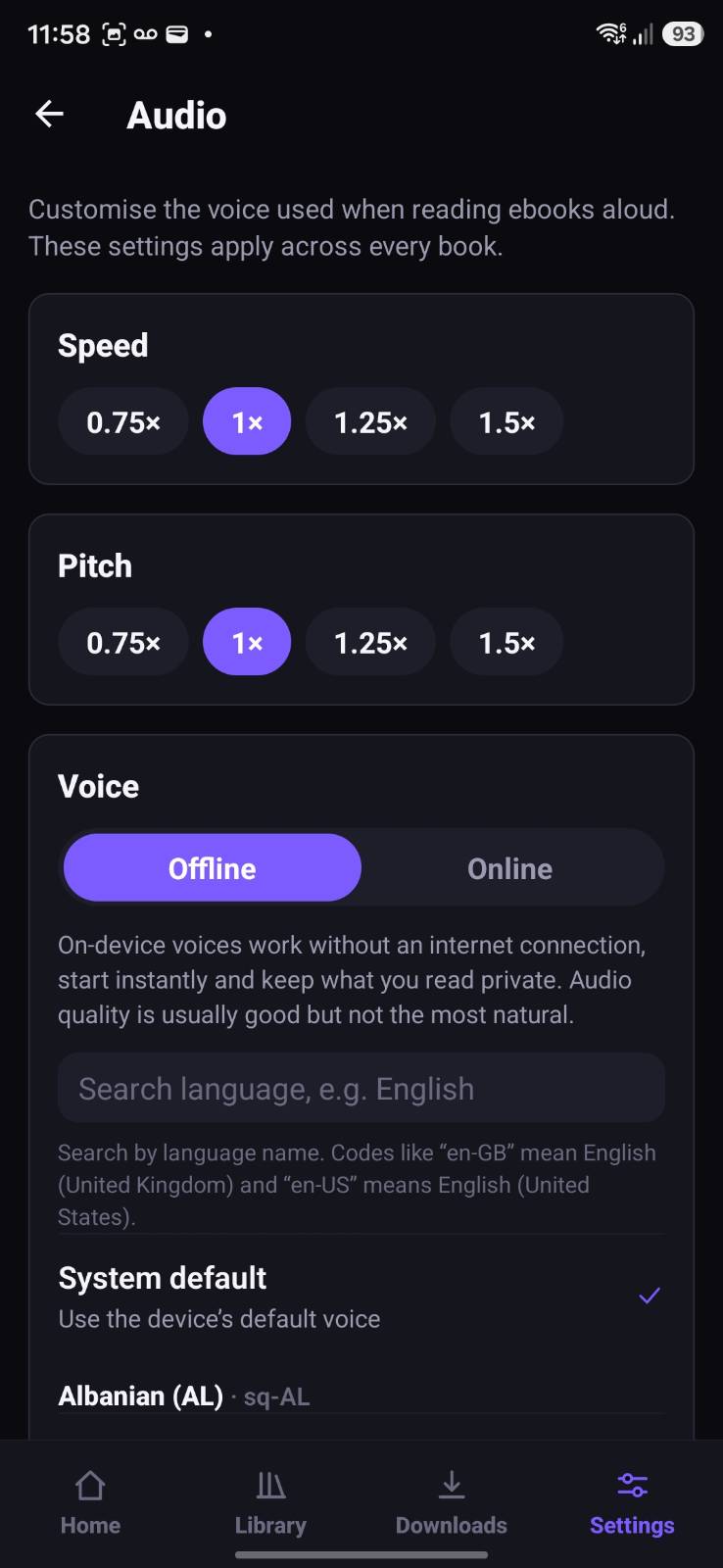
Have any ebook read aloud with your device’s text-to-speech engine — flowing sentence by sentence and continuing across chapters, with adjustable speed, pitch and choice of offline or online voices.
A proper reading experience
Continue Reading remembers your place across every source, local or remote. Mark books and folders as favourites for one-tap access, track progress, and tune the ebook reader with adjustable fonts, line spacing and light, sepia or OLED-friendly dark themes.
Know what you have read
Mark any book or comic read or unread from its long-press menu, including something you only part-read. Folders show a READ badge once everything inside them is finished, nested folders included — worked out from what the folder held last time you browsed it, so it costs no extra requests.
Highlights & bookmarks
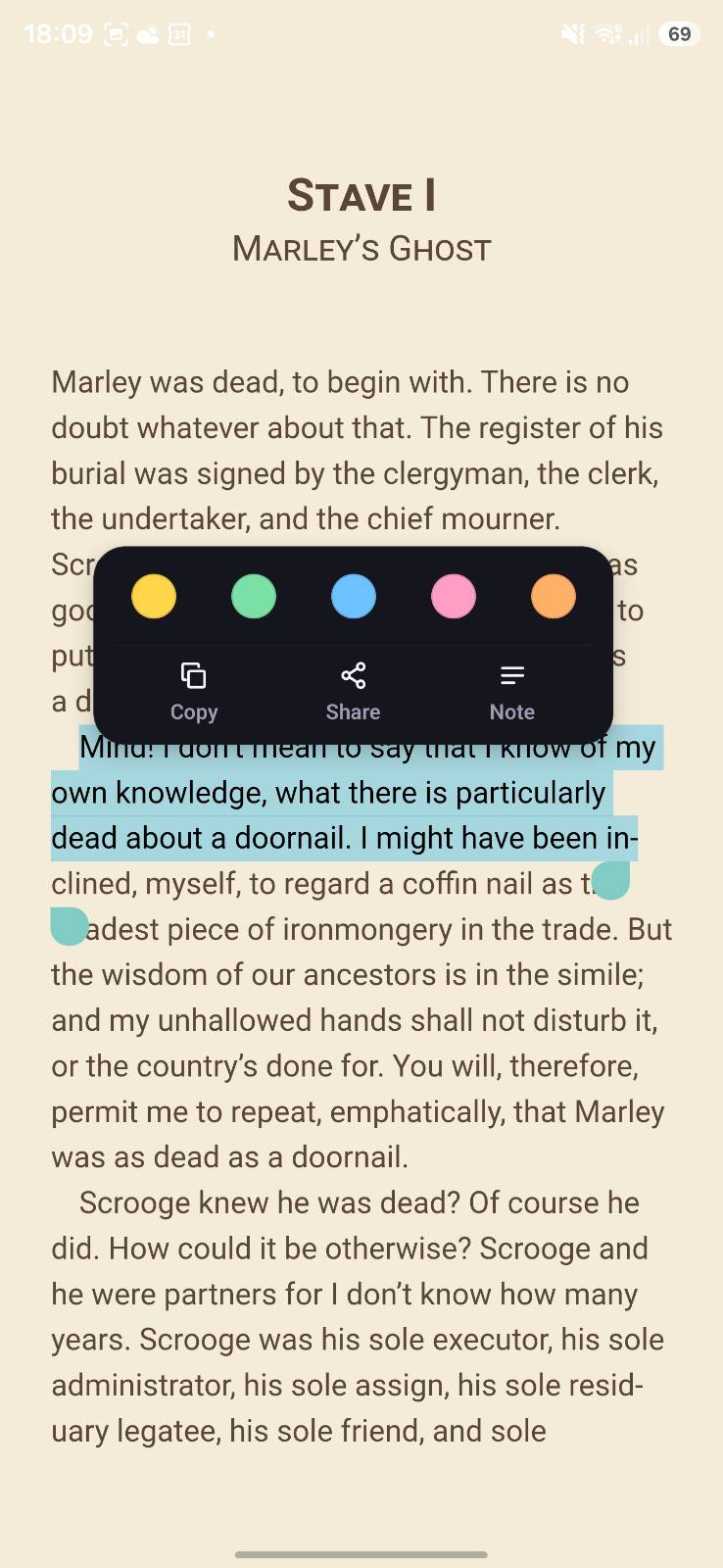
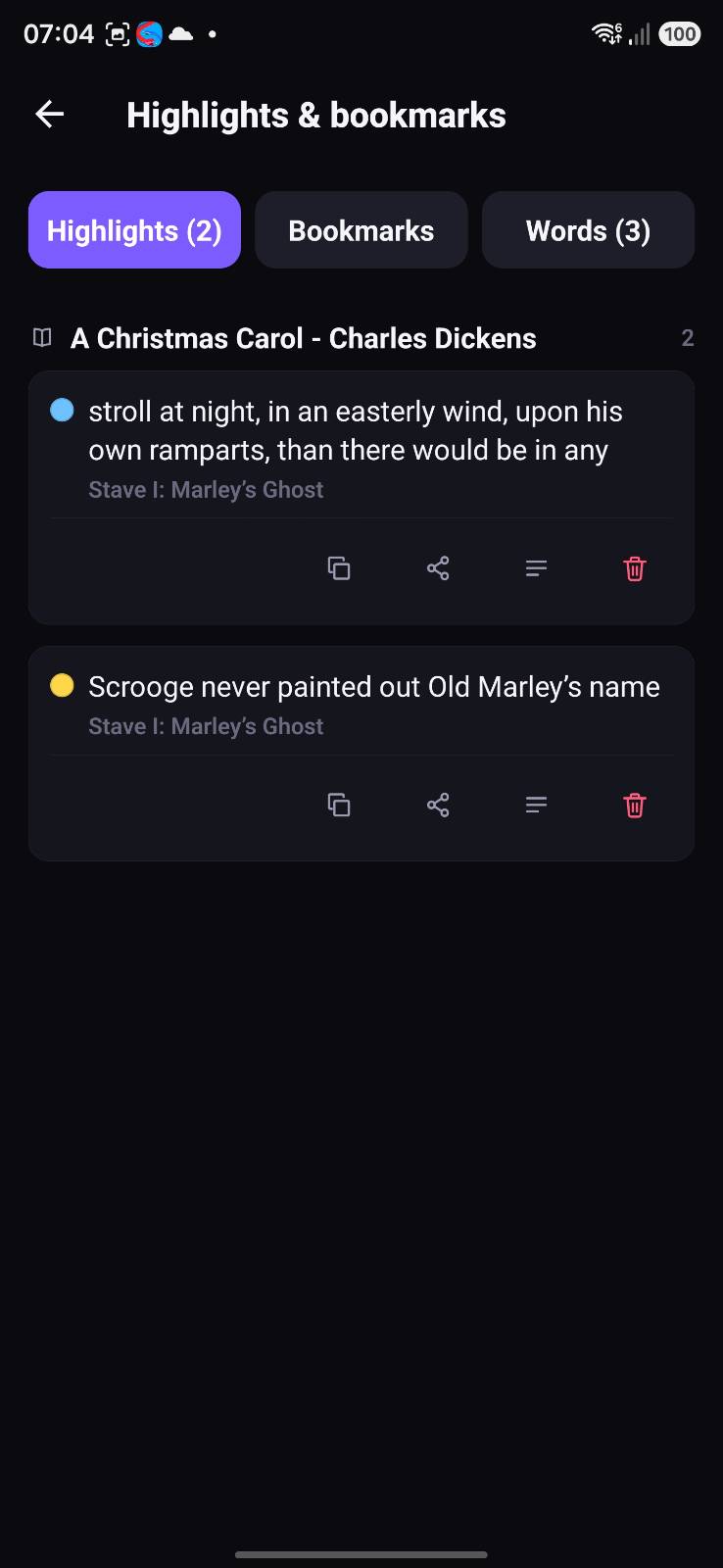
Select any passage to highlight it in one of five colours, attach a note, or copy and share the text — and bookmark a place in any book, PDF or comic. Everything lands in one list, and travels with you if you enable sync.
E-ink friendly
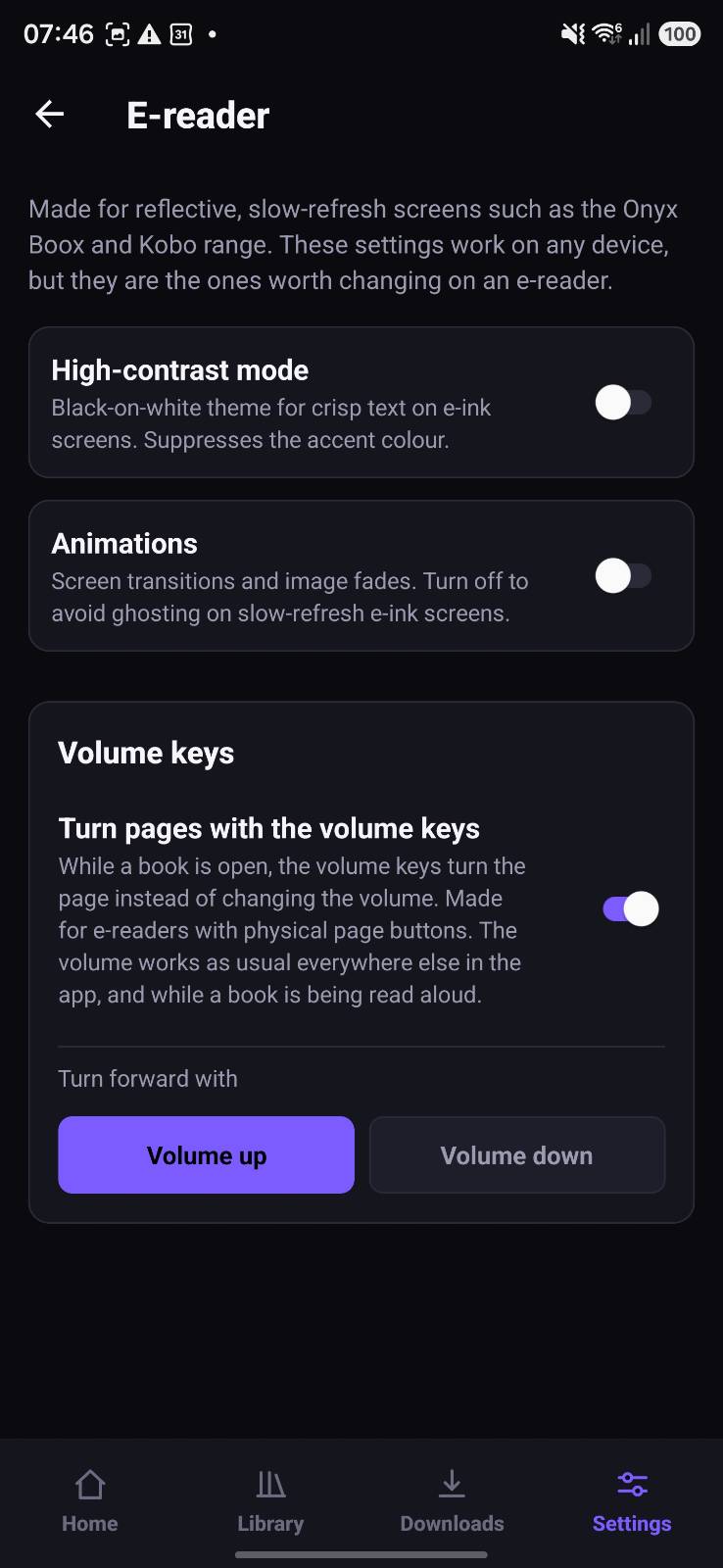
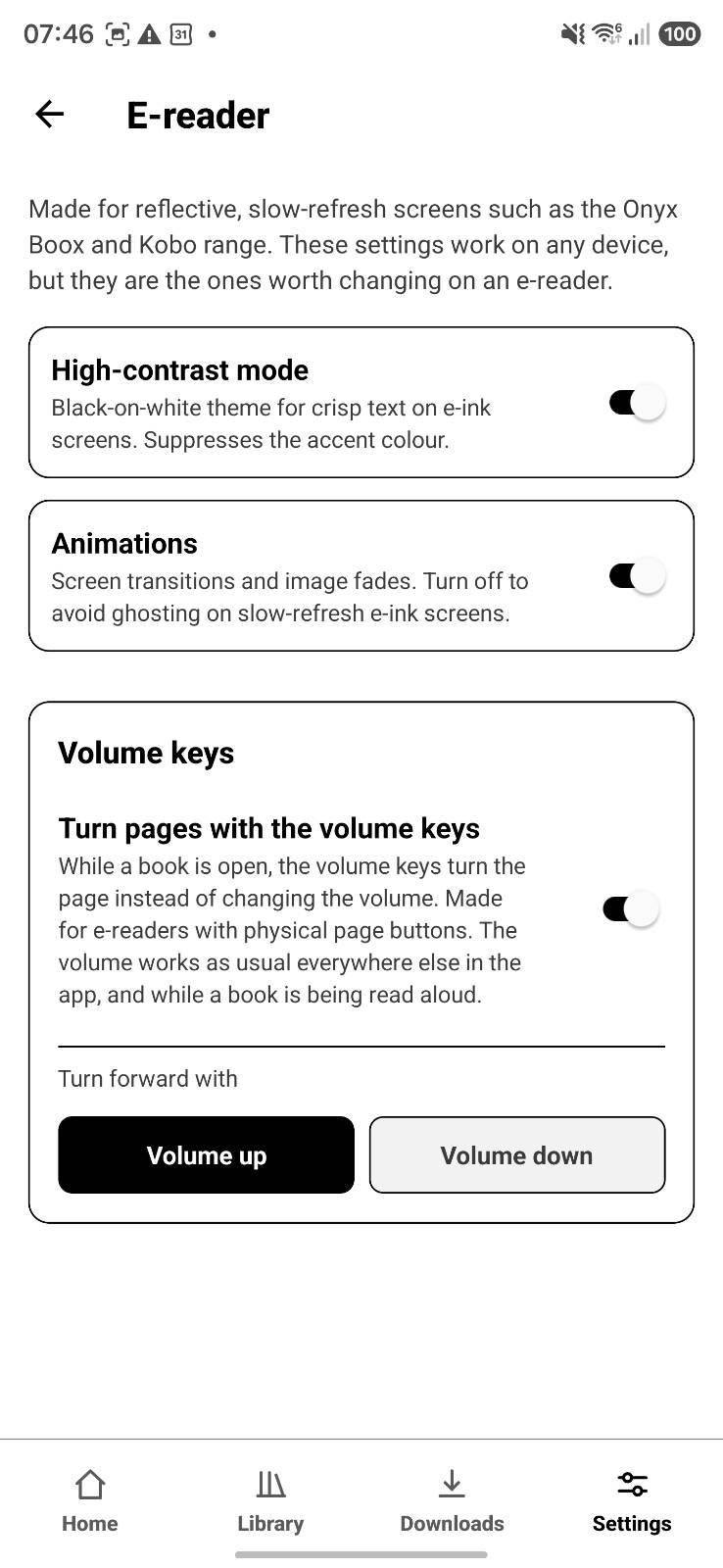
A dedicated E-reader settings screen: independent toggles for a high-contrast black-on-white theme and for switching animations off, to avoid ghosting on slow-refresh screens such as Onyx Boox, plus volume keys that turn the page on devices with physical page buttons.
Read offline, anywhere
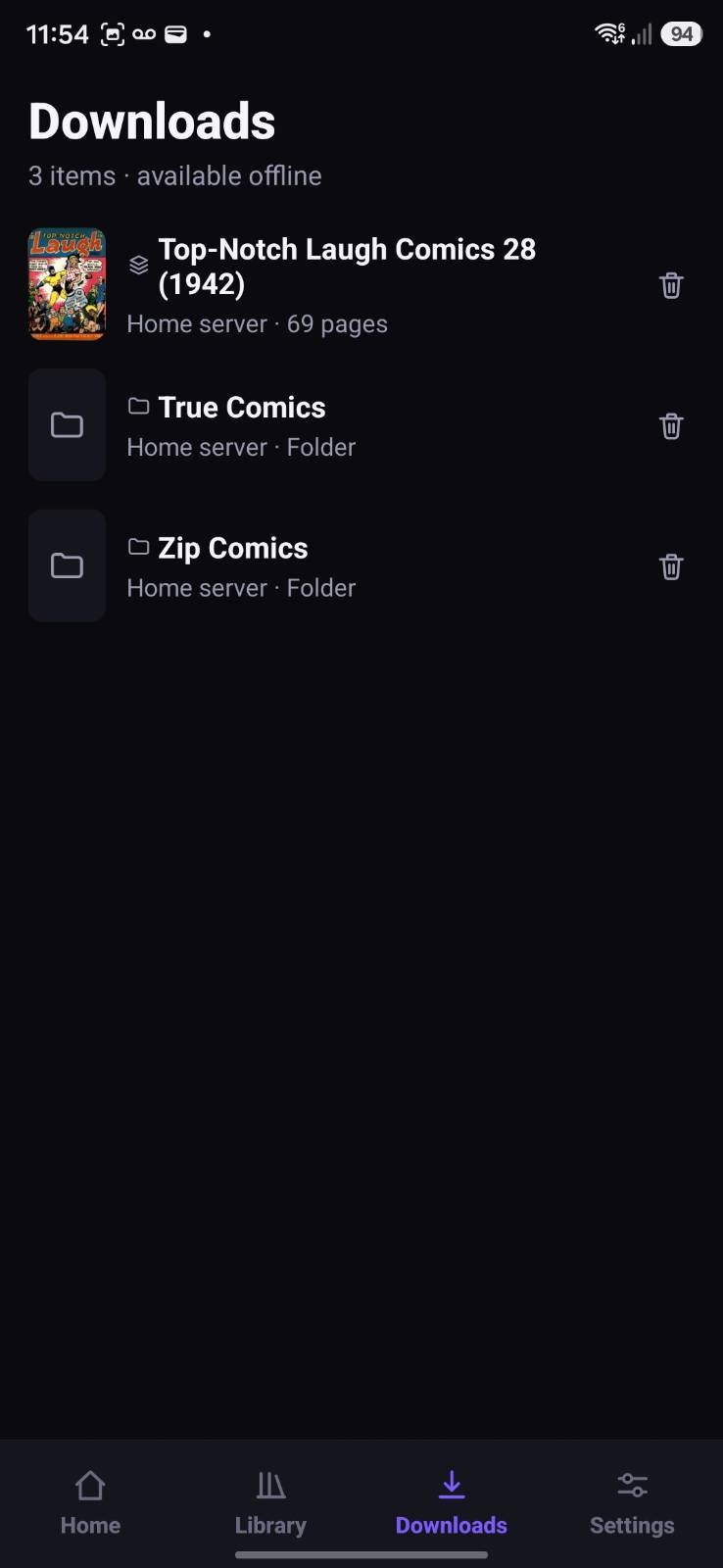
Files in a local library are already offline, and anything on a server can be downloaded straight to your device. Interrupted downloads resume automatically and stay ready when you are.
Resilient by design
Every source loads independently, so one offline, slow or broken server never crashes your library — and favourites, local files and recent items stay visible even when a server is temporarily down.
Secure credentials
Server addresses, usernames and passwords are kept in your device’s secure storage (the Android Keystore) and excluded from persisted app state — never sent to Binary Meadow.
Private cross-device sync
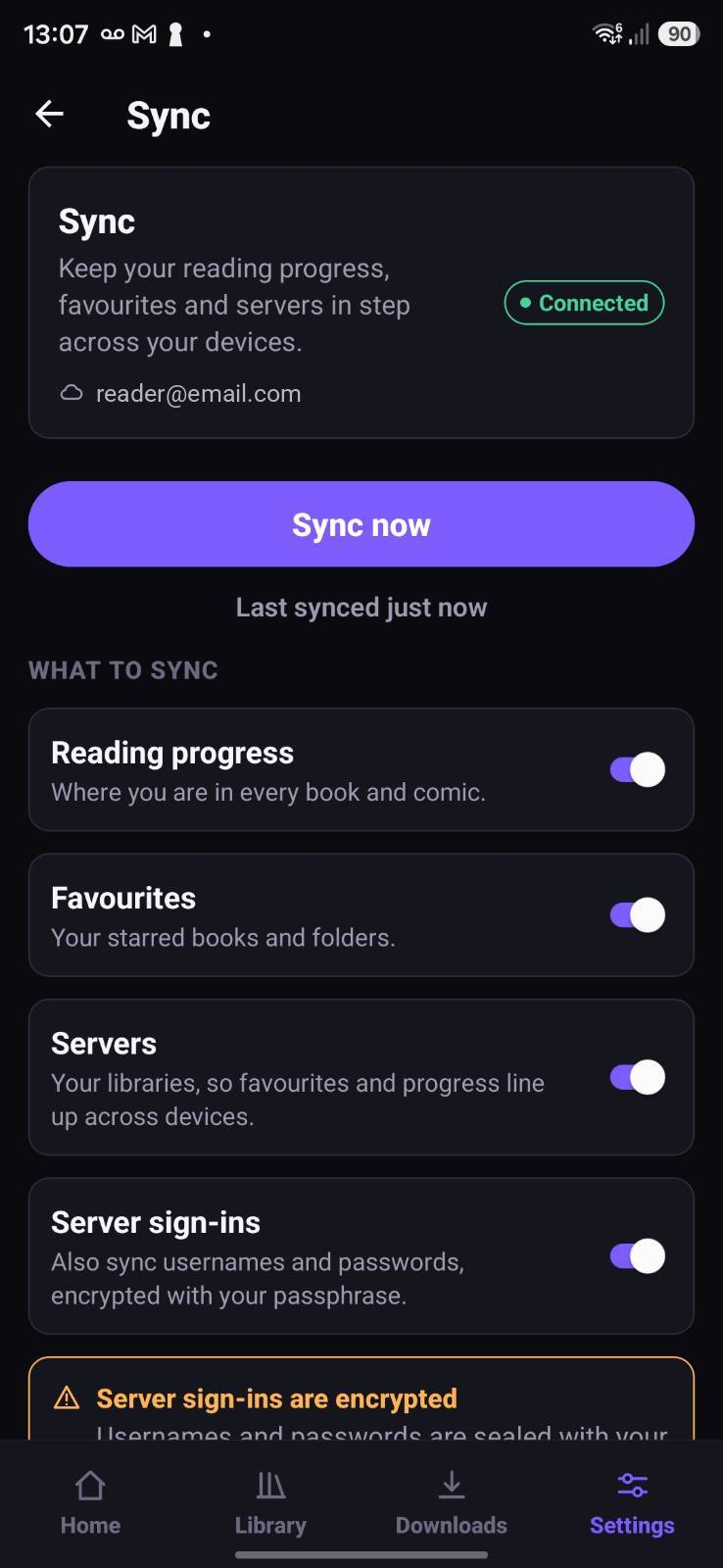
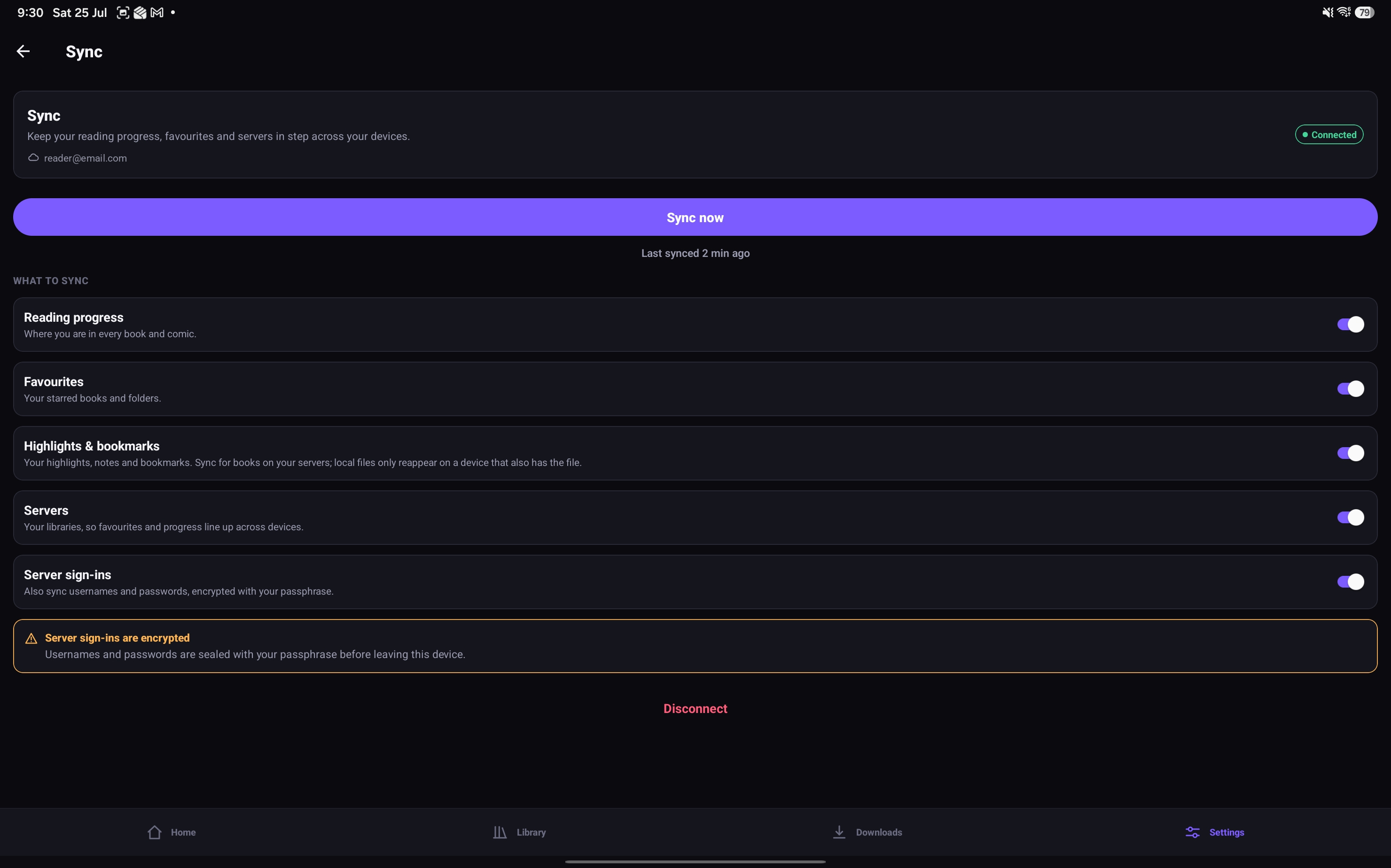
Optionally sync your library, favourites, reading progress, highlights and bookmarks through your own Google Drive — end-to-end encrypted with a passphrase-derived key, readable only on your devices.
Progress back to your server
Separately, each remote library has a switch — off unless you turn it on — that publishes the page you reach as you read, so Komga’s own web UI and anything else signed in to it show the same place. The library screen reports whether it is actually working. Komga is the only OPDS server that accepts this today.
Screenshots
On a tablet
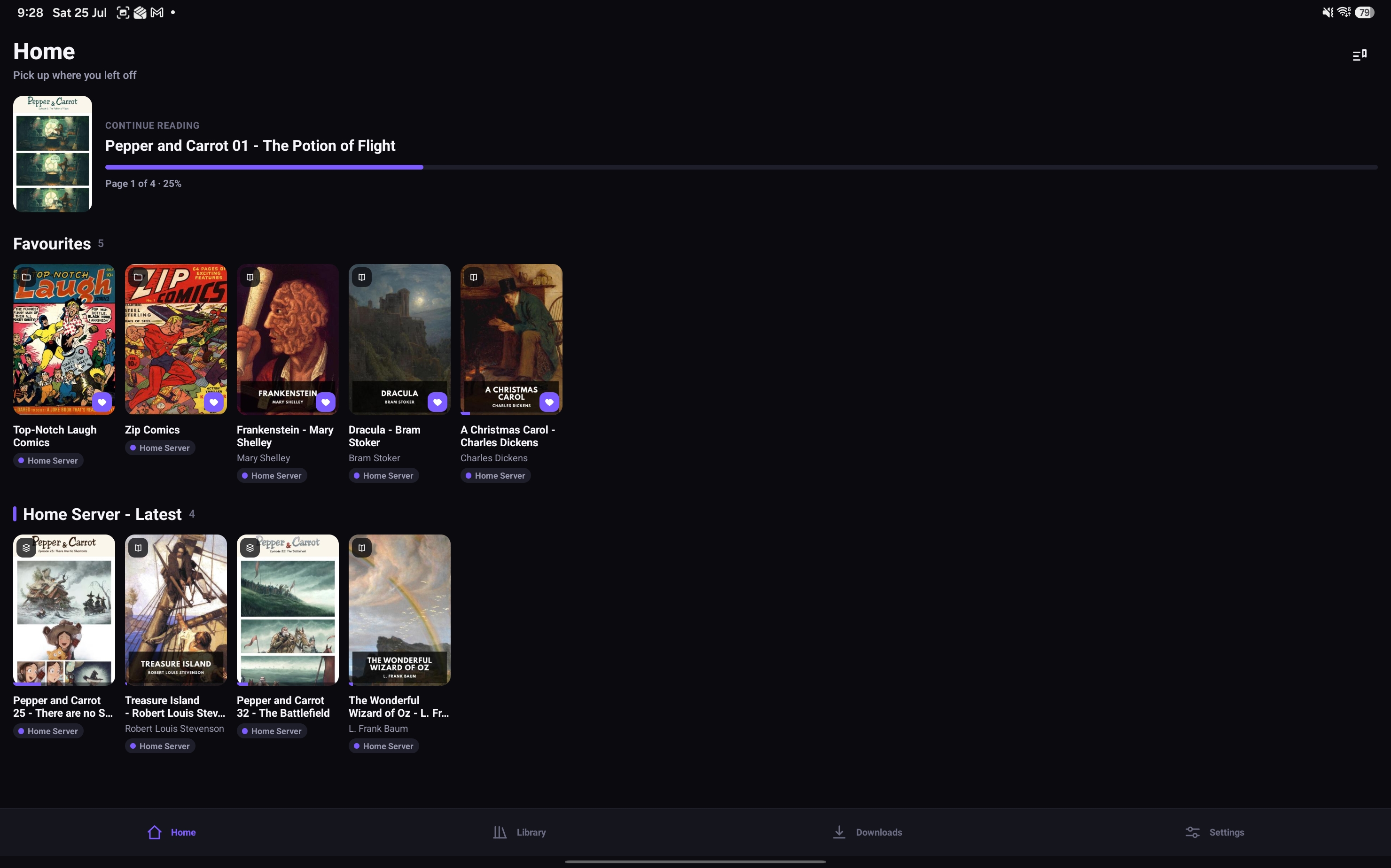
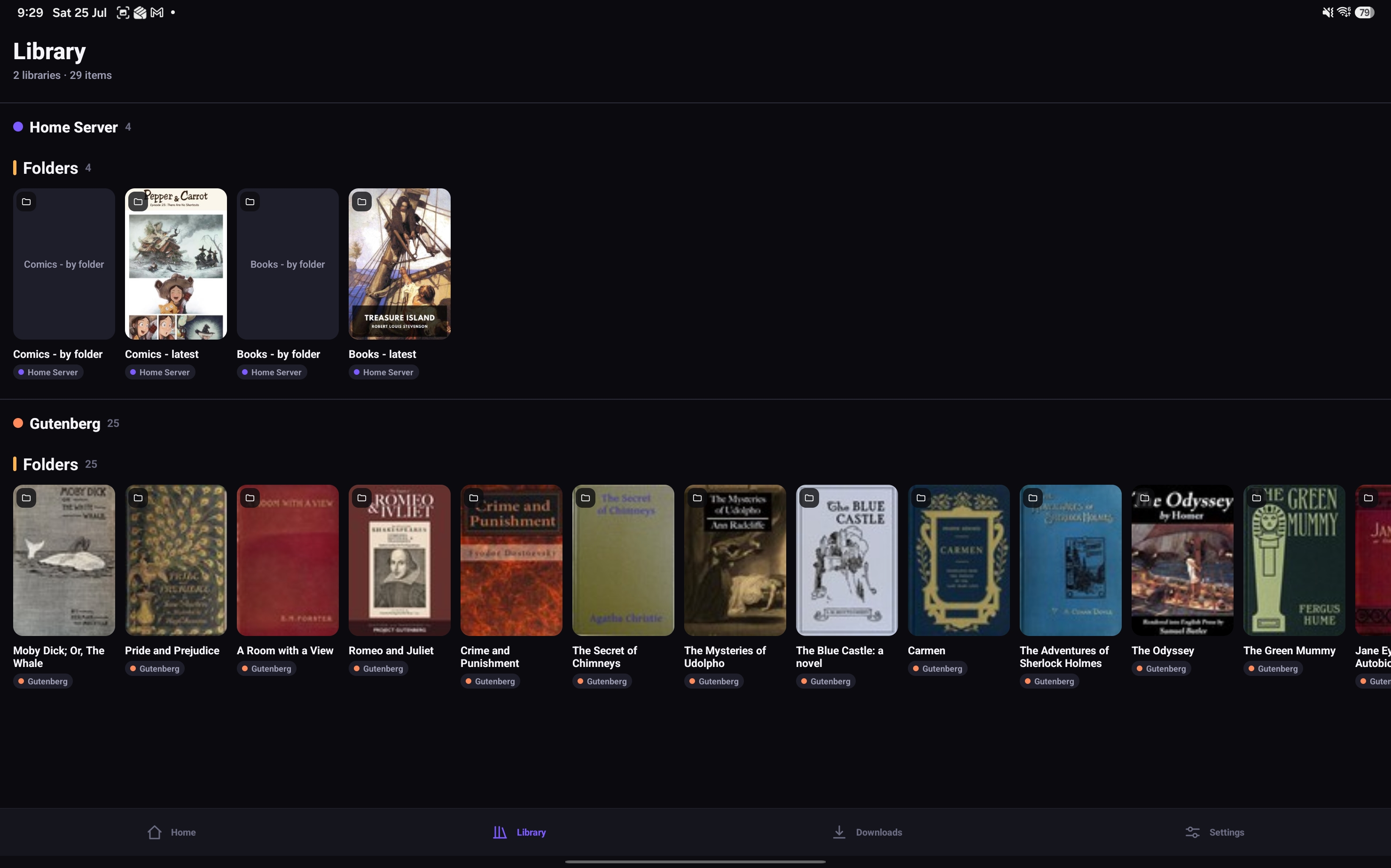
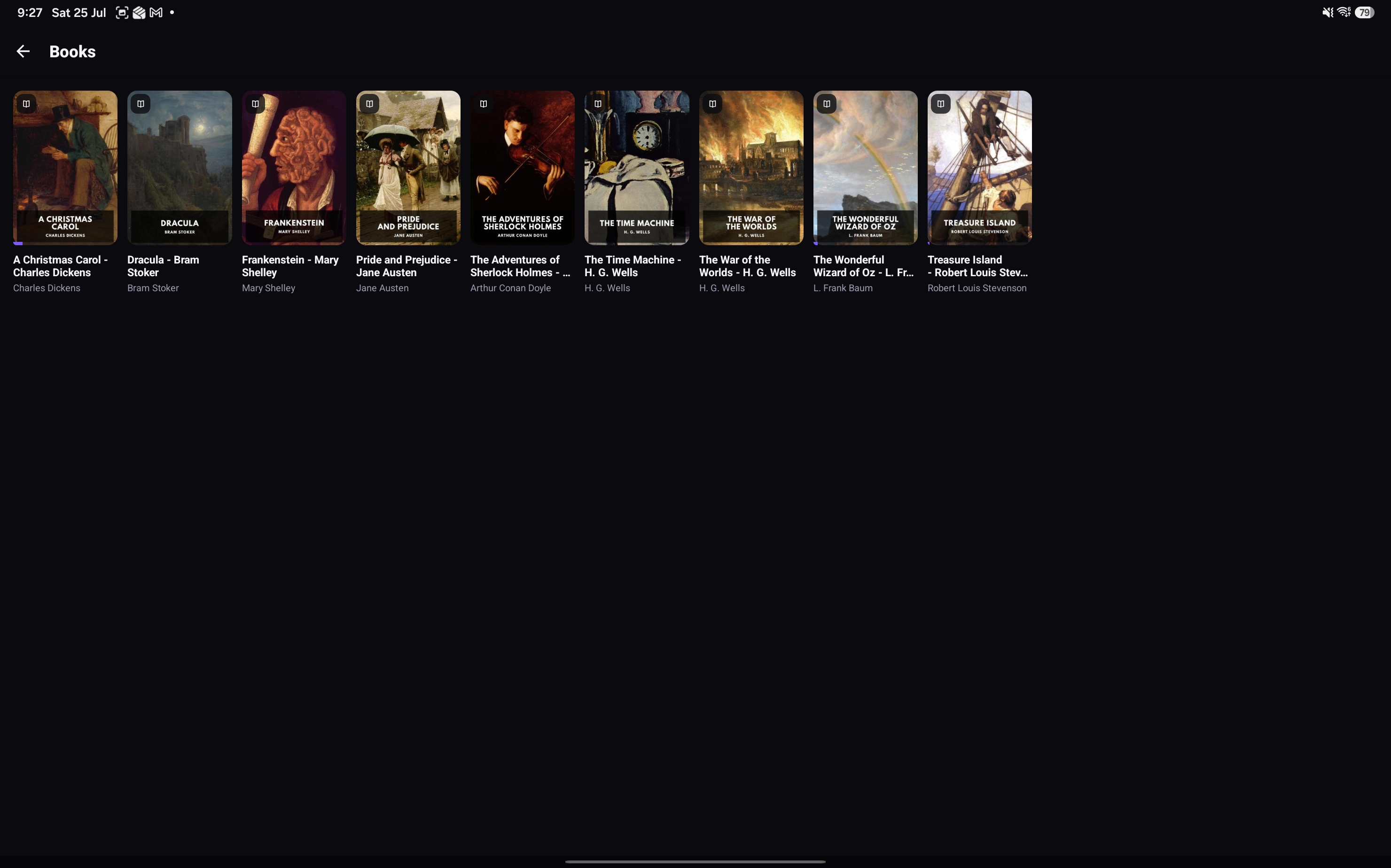
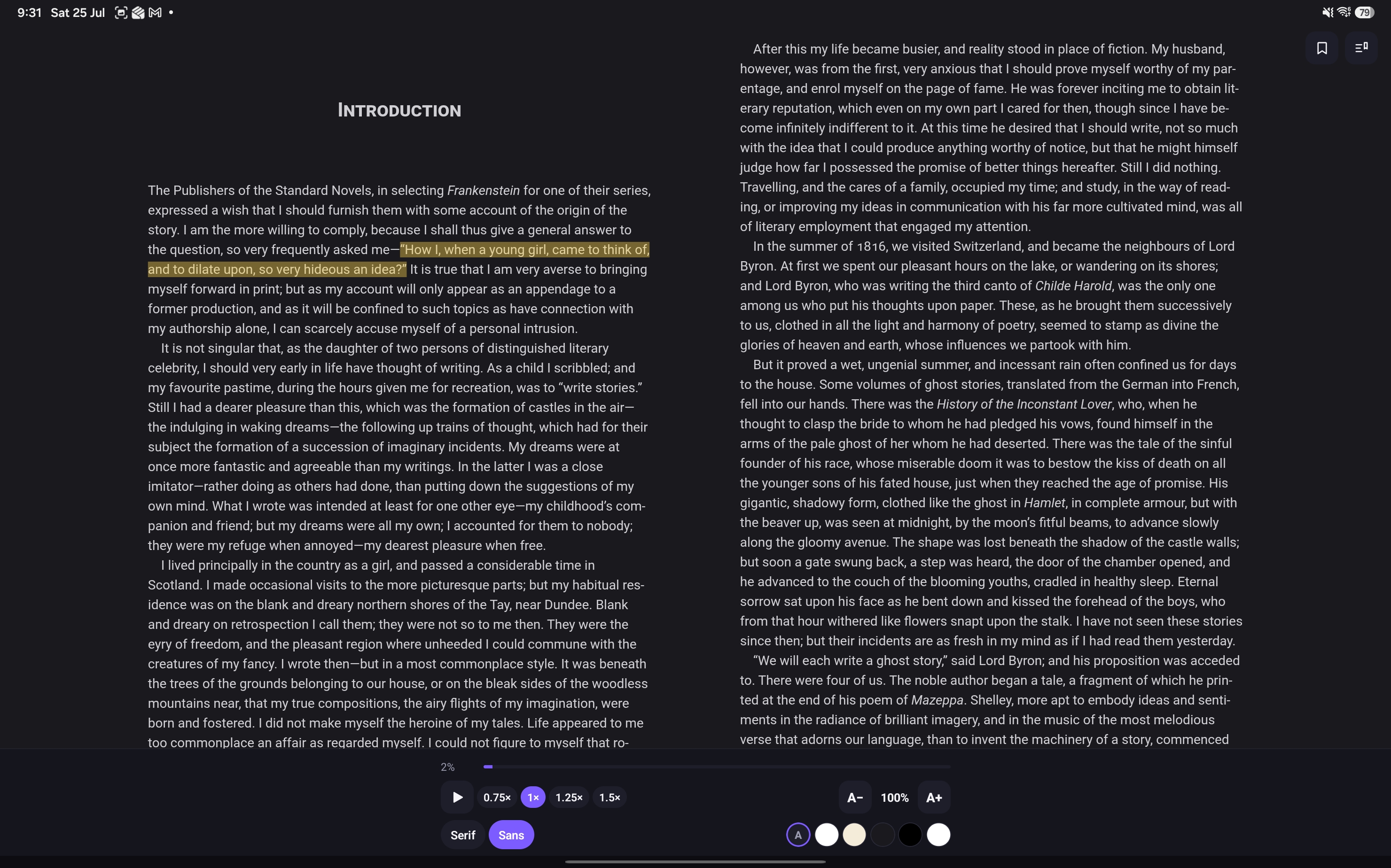
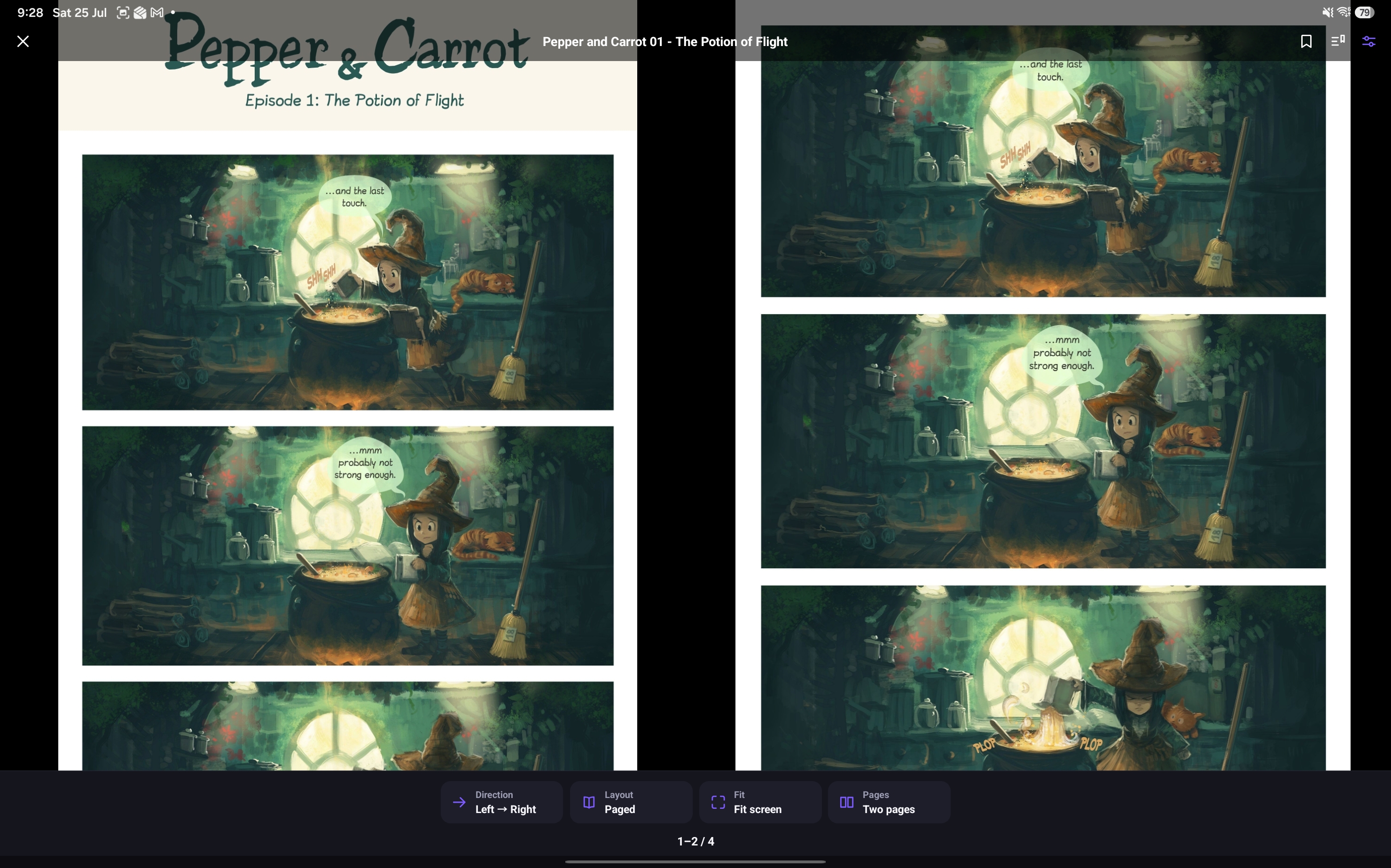
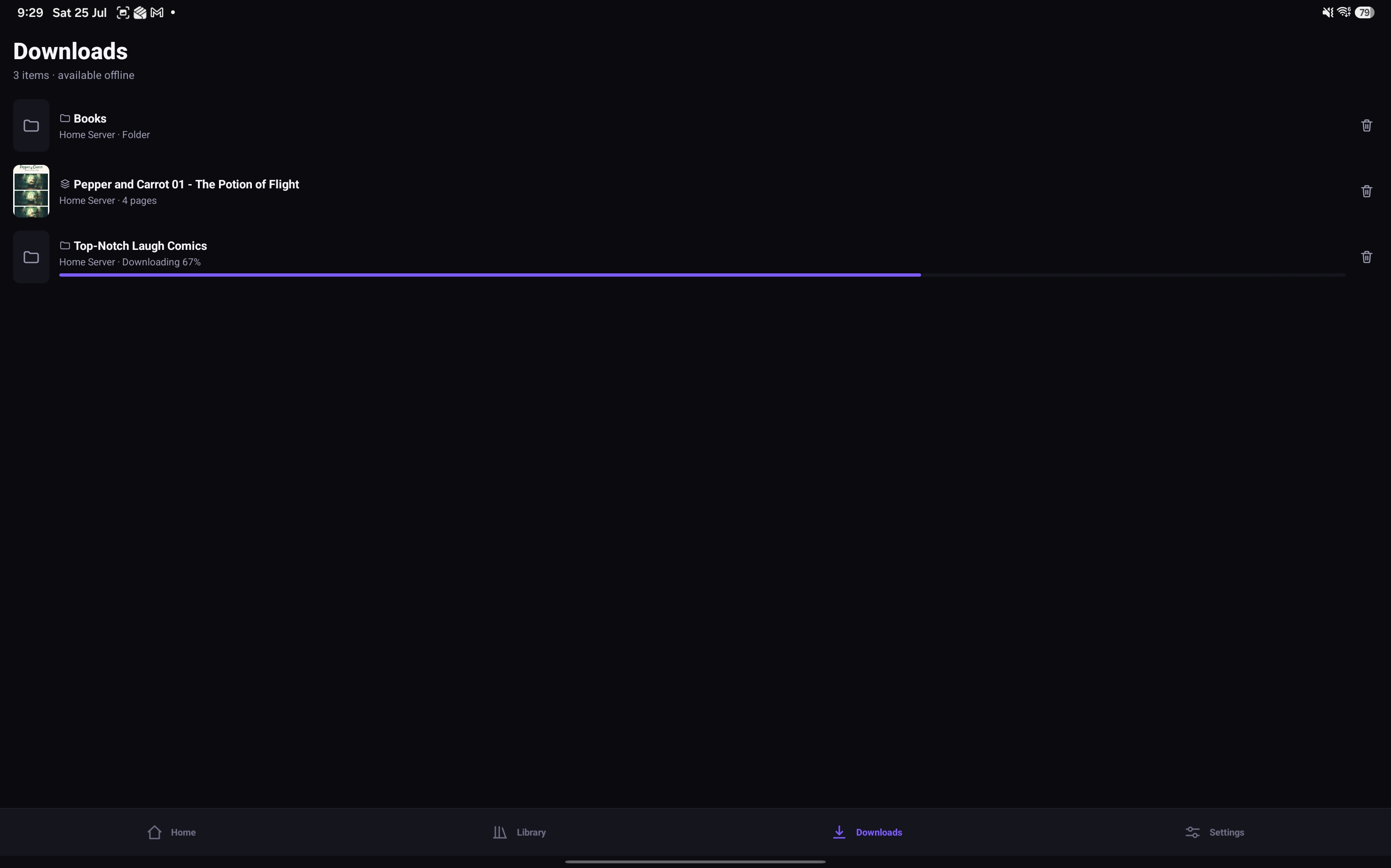
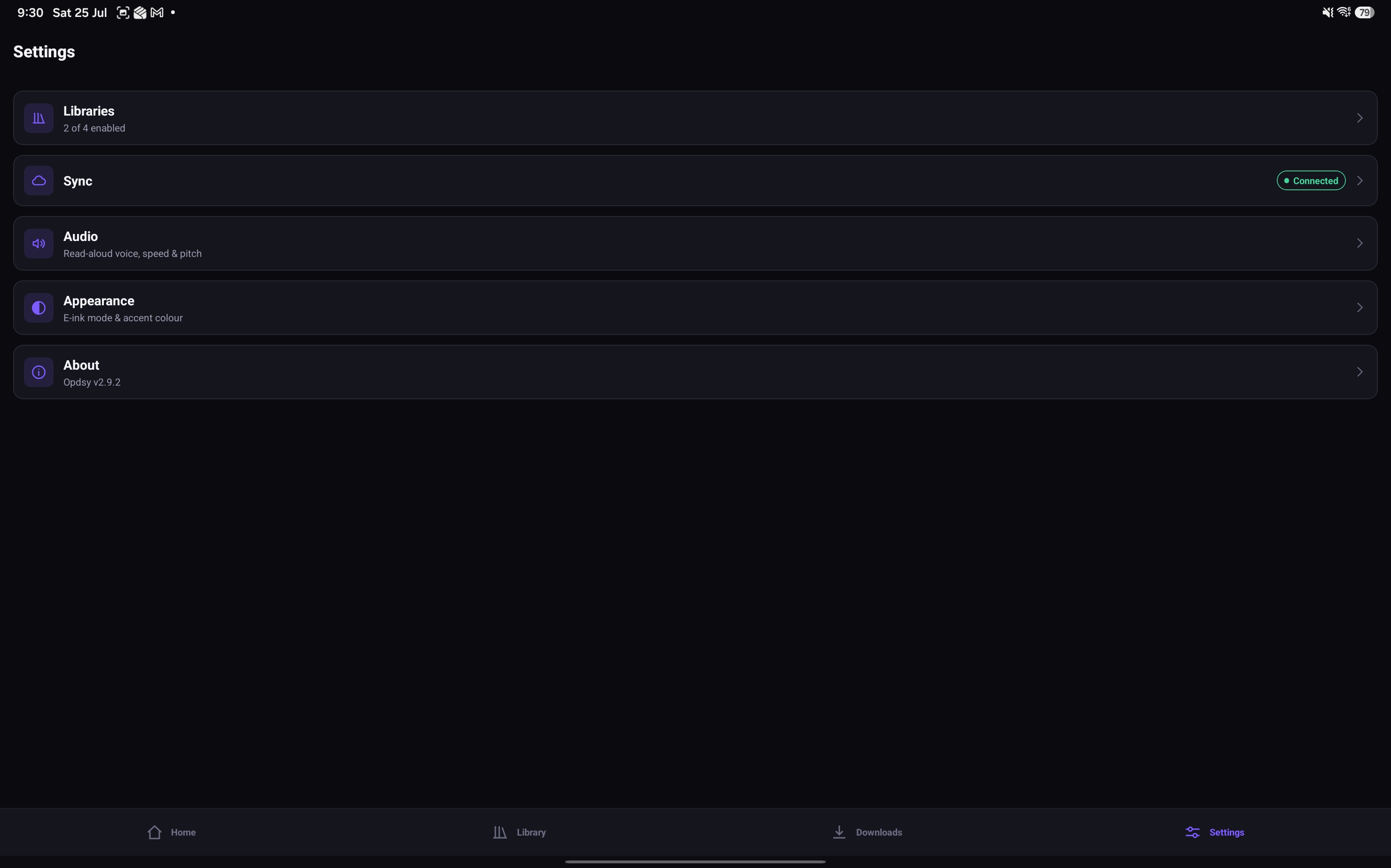
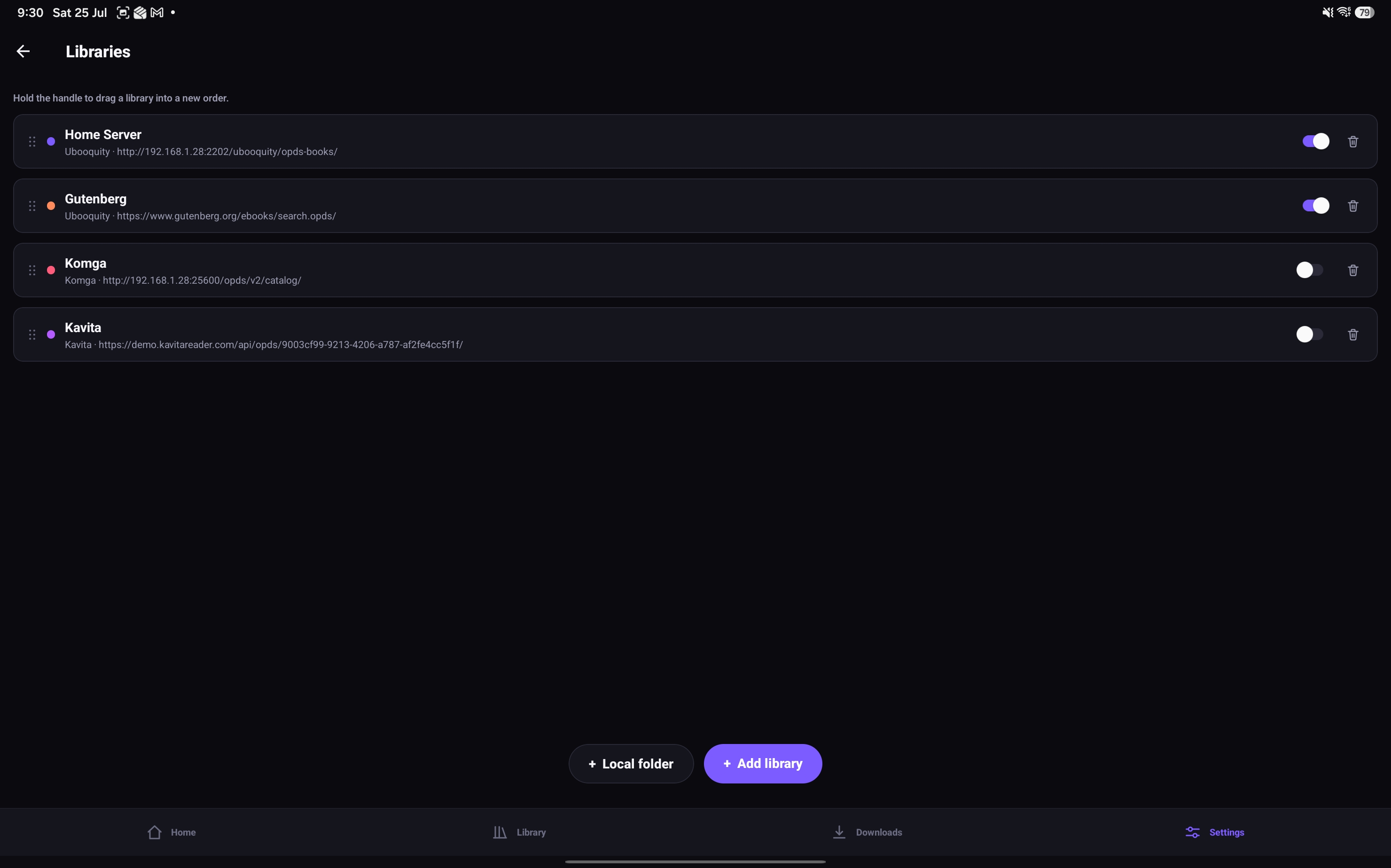
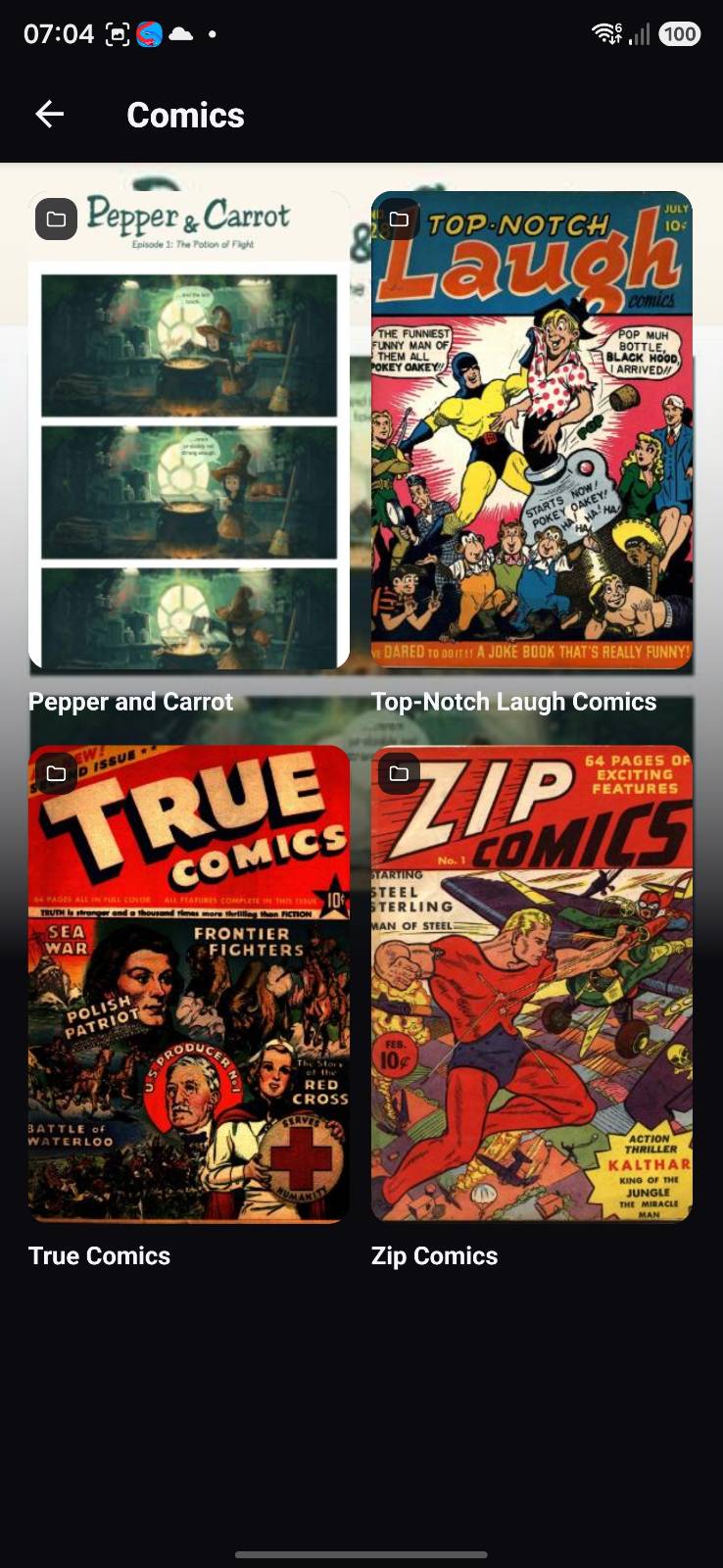
Comic and book artwork shown is for demonstration only. Pepper&Carrot is by David Revoy, licensed under CC BY 4.0. Other comic covers are public-domain Golden Age comics, and book covers are public-domain literary classics.
OPDSy vs the alternatives
Android has plenty of good readers. Most of them, though, are built either for the files on your device or for a server — so a self-hoster ends up running two apps. Every cell below is taken from the app’s own website, store listing, documentation or source code; where we could not confirm something from one of those, it is marked unconfirmed rather than guessed.
| Feature | OPDSy on Google Play | Moon+ Reader (official site) | KOReader (official site) | Librera (official site) | Mihon (official site) | ReadEra (official site) |
|---|---|---|---|---|---|---|
| Local files and OPDS servers in one merged library | Yes | NoServers live in a separate Net Library | NoOPDS is a separate download browser | UnconfirmedOnly search and download documented | NoNo OPDS support | NoNo server support in the feature list |
| Connects to OPDS catalogues | YesOPDS 1.2 and 2.0 | YesVersion not stated by the vendor | YesVersion not stated by the project | YesVersion not stated by the vendor | NoUses its own extension sources | UnconfirmedNot mentioned in the feature list |
| Page-by-page comic streaming (OPDS-PSE) | Yes | UnconfirmedNot documented | YesPage streaming in the OPDS plugin | UnconfirmedNot documented | NoNo OPDS support | UnconfirmedNot documented |
| Reads both ebooks and comic archives | YesEPUB, PDF, CBZ, CBT; CBR and CB7 not supported | YesEPUB, PDF, CBZ, CBR | YesCBZ and CBT listed; CBR not listed | YesEPUB, PDF, CBZ, CBR | NoComics and manga only | YesEPUB, PDF, CBZ, CBR |
| Text-to-speech | Yes | PartlyPro version only | UnconfirmedNot in the project feature list | Yes | NoComics and manga only | PartlyPremium version only |
| Cross-device sync, end-to-end encrypted | YesYour own Google Drive, encrypted | PartlyDrive, Dropbox, WebDAV; no encryption claimed | PartlyProgress sync; no encryption claimed | PartlyDrive sync in PRO; no encryption claimed | PartlyManual backup files only | PartlyDrive sync in Premium; no encryption claimed |
| No ads in any version | Yes | NoAds in the free version | YesNo ad code in the source | NoFree version is ad-supported | YesNo ad code in the source | UnconfirmedNot stated by the vendor |
| Every feature included, no locked tier | YesOne-time purchase | PartlyPro unlock | YesFree and open source | PartlyPRO unlock | YesFree and open source | PartlyPremium unlock |
| No analytics or tracking | Yes | PartlyPrivacy policy lists Google Play Services and AdMob | YesNo analytics code in the source | NoPlay data safety: name, email and user IDs shared for analytics or advertising | YesNo analytics code in the source | PartlyAnonymous usage and crash data, not shared, can be turned off |
| Installable from Google Play | Yes | Yes | NoF-Droid or APK | Yes | NoAPK only | Yes |
| Released in the last twelve months | Yes | Yes | Yes | NoProject README says development is frozen | Yes | YesPlay listing updated May 2026 |
- Yes
- Partly
- No
- Unconfirmed
Compiled in August 2026 and updated in September 2026 from each app’s own website, Google Play listing, documentation or public source code — column headings link to the source we used. “Unconfirmed” means we could not verify it from one of those sources; it does not mean the feature is missing. Paid tiers change what an app can do, so rows are judged on the version named in the column. These are all good apps built by people who care; if anything here is out of date, tell us and we will correct it.
Your library, server by server
OPDSy shows you exactly what your server publishes — it does not invent a structure of its own. That means the shape of your library depends on which server you run, and the servers differ more than you might expect. Here is what each one puts on the Library screen, and where each entry leads.
Every server builds its catalogue from your folders. One folder becomes a series; one file inside it becomes a book.
/comics                 the library root you give the server
  Saga/                 a series — one folder
    Saga #01.cbz        a book — one file
    Saga #02.cbz
  Monstress/            another series
Monstress #01.cbz- Library
- A root folder you hand the server. Most people run one or two, and each has its own root that cannot overlap another. Comics and Books, kept apart.
- Series
- One folder of related files. This is what you open to find something to read. The Saga folder.
- Book
- One file. Servers use the same word for a single comic issue, a collected volume and a novel. Saga #01.cbz.
- Collection
- A group of series you make yourself in the server’s web interface — never built from your folders. It can span libraries. A Batman collection holding every Batman series.
- Read list
- A group of books you make yourself, in a running order, and it can cut across series. Think of it as a playlist for books. Every book Wolverine turns up in.
- MenuOpens into more folders
- ListA straight run of items
- As you readEmpty until you start reading
- You create itEmpty until you make one on the server
- From metadataBuilt from your books’ own details
KomgaSeries-first. Komga groups your files into series, then books within them.#
- Keep ReadingAs you read
- On DeckAs you read
- All seriesListA way in
- A series
- Its books
- Latest seriesList
- Latest booksList
- All librariesMenuone per library you configuredA way in
- A library
- Its series
- Their books
- All collectionsYou create it
- A collection
- Its series
- Their books
- All read listsYou create it
- All publishersFrom metadata
Collections are the one place any of these servers gives you a genuine third level. If you want a Series → Volume → Issue structure on your phone, a Komga collection is the way to get it.
KavitaSeries-first, but it works out series from your file names rather than your folders.#
- On DeckAs you read
- Recently UpdatedList
- Recently AddedList
- Reading ListsYou create it
- Want to ReadYou create it
- All LibrariesMenuone per library you configuredThe way in
- A library
- Its series
- Every issue in the series, in one flat list
- All CollectionsYou create it
If your series has volumes, that level does not survive. Kavita tracks volumes internally, but its OPDS feed hands out every issue in one flat list, with the volume left only as words in each issue’s title. No reader can restore a level the server never sends, so this is the same in every OPDS app, not just OPDSy.
UbooquityYour folders, mirrored exactly. Nothing is inferred and nothing is flattened.#
- Comics — by folderMenuA way in
- Your comics folder
- Your own sub-folders, all the way down
- Comics — latestList
- Books — by folderMenuA way in
- Your books folder
- Your own sub-folders, all the way down
- Books — latestList
The only server here with a separate way in for comics and for books, and the only one whose structure is simply the folder tree you already built. However deep you nested it, that is what you get.
Calibre-WebBook-first, with a lot of ways to slice the same shelf by metadata.#
- Alphabetical BooksMenuone per initial letterThe way in
- A letter
- The books themselves
- Hot BooksAs you readby download count
- Top Rated BooksFrom metadata
- Recently added BooksList
- Random BooksList
- Read BooksAs you read
- Unread BooksList
- AuthorsFrom metadata
- PublishersFrom metadata
- CategoriesFrom metadata
- SeriesFrom metadata
- A letter
- A series
- Its books
- LanguagesFrom metadata
- RatingsFrom metadata
- File formatsFrom metadata
- ShelvesYou create it
The lettered route drops you straight onto books with no series level in between. Only the Series menu gives you a series to open.
BookOrbitBook-first. Series is a label on a book rather than a place to visit.#
- All BooksListA way in
- Recent BooksList
- Random BooksListreshuffled each time
- LibrariesMenuone per library you configuredA way in
- A library
- The books themselves
- CollectionsYou create it
- SmartScopesYou create it
- AuthorsFrom metadata
- SeriesFrom metadata
- A series
- Its books
Opening a library lists books straight away, with no series level. As with Calibre-Web, the Series menu is the only route that gives you one.
GrimmoryBook-first, with the richest set of ready-made shelves of any server here.#
- All BooksListA way in
- Recently AddedList
- LibrariesMenuone per library you configuredA way in
- A library
- The books themselves
- ShelvesYou create it
- Magic ShelvesYou create itfilled by rules you set
- AuthorsFrom metadata
- SeriesFrom metadata
- A series
- Its books
- Surprise MeListreshuffled each time
Grimmory has to be told to switch its OPDS server on, and it uses a separate set of OPDS accounts from your normal web login — so create one under its settings and use those details in OPDSy. Its Series menu is built from each book’s metadata rather than your folders, so it stays empty until your files carry a series name.
Last checked 20 August 2026. An empty entry is normal rather than a fault — reading lists, collections and shelves stay empty until you make one on the server, and the “continue reading” style entries fill up only as you read.
Frequently asked
Do I need a server to use OPDSy?
No. Add any folder on your device as a local library and read straight away, or open a file from your file manager or a share sheet. Servers are entirely optional — plenty of people use OPDSy purely as a local reader.
Which servers does OPDSy work with?
Komga, Kavita, Ubooquity, Calibre-Web, BookOrbit and Grimmory are all supported, along with any other server that speaks OPDS 1.2 or OPDS 2.0. Comic page streaming uses OPDS-PSE where your server offers it.
Can I use local files and servers at the same time?
Yes — that is the point of OPDSy. On-device folders and every connected server are merged into one library, each source tagged with its own colour badge, and Continue Reading, favourites and search all work across the lot.
My server is on my home network — will it work away from home?
OPDSy connects to whatever address you give it, so it works anywhere that address is reachable. At home a local address such as http://192.168.1.10:8080 is fine. Away from home you will need your server reachable from the internet — most people use a VPN such as Tailscale or WireGuard, or a reverse proxy with HTTPS. OPDSy does not proxy anything through us.
Does OPDSy support HTTPS, self-signed certificates and reverse proxies?
HTTPS and standard reverse-proxy setups work normally, including servers hosted on a subpath. Enter the full base URL of your OPDS feed, including any port or path. Certificates must be trusted by Android, so if you use a self-signed or private CA certificate, install it in your device’s user certificate store first.
How does OPDSy authenticate to my server?
HTTP Basic authentication, as used by Komga, Kavita, Ubooquity and Calibre-Web. Your server address, username and password are stored in the Android Keystore, kept out of persisted app state, and never sent to Binary Meadow.
A server is down or slow — does the whole library break?
No. Every source loads independently, so one offline, slow or misconfigured server never takes the library down with it. Your local files, favourites and recent items stay visible while it is unavailable.
Which files can I read, and where do local libraries come from?
EPUB, MOBI, AZW3, FB2, PDF and Markdown (including Mermaid.js diagrams) for books, and CBZ and CBR for comics and manga. A local library is any folder you pick on internal storage or an SD card, and OPDSy reads only the folders you choose.
Can I read offline?
Yes. Files in a local library are already offline, and anything on a server can be downloaded to your device — interrupted downloads resume by themselves.
How much does OPDSy cost?
OPDSy is a one-time purchase on Google Play — buy it once and it is yours on every Android device signed in to that Google account. There is no subscription, there are no in-app purchases or ads, and every feature, including encrypted sync, is included. The Play listing shows the current price in your own currency.
How does sync work, and can Binary Meadow see my library?
Sync is optional. If you turn it on, your library, favourites, reading progress, highlights and bookmarks are encrypted on your device with a passphrase-derived key and stored in a hidden, app-private folder of your own Google Drive. Only a device holding your passphrase can read it — neither Binary Meadow nor Google can.
Does the dictionary send my lookups anywhere?
No. Dictionaries are downloaded once from Settings and then searched entirely on your device, so a word you look up never leaves your phone — and lookups keep working with no connection at all. Each dictionary file is checked against a fingerprint built into the app before it is installed, so a modified or substituted file is refused.
What is the difference between syncing to Google Drive and syncing to my server?
They are separate, and you can use either, both or neither. Google Drive sync carries your servers, favourites, reading progress and annotations between your own devices, end-to-end encrypted. Server-side sync instead publishes the page you reach back to the library itself, so its web UI and any other client show the same place — useful if you also read in a browser. Komga is the only OPDS server that accepts this today, and it is off unless you turn it on per library.
Does OPDSy work on e-ink devices and tablets?
Yes. A dedicated E-reader settings screen gathers independent toggles for a high-contrast black-on-white theme and for switching animations off, to avoid ghosting on slow-refresh screens such as Onyx Boox, along with volume-key page turns for devices with physical page buttons. Tablets get two-page spreads for both books and comics.
Still stuck? Email hello@binarymeadow.com and we will help.
Get OPDSy
Available for Android on Google Play — scan the code or tap the badge.
Buy OPDSy once on Google Play and it is yours — no subscription, no in-app purchases, no ads and no pro tier. Every feature, sync included, is there from the first launch.
Privacy
OPDSy reads files on your own device and connects only to the self-hosted servers you configure. It has no Binary Meadow account and no analytics, and optional cross-device sync is end-to-end encrypted inside your own Google Drive — so we never see your library, reading activity or credentials.
Read the OPDSy privacy policy →